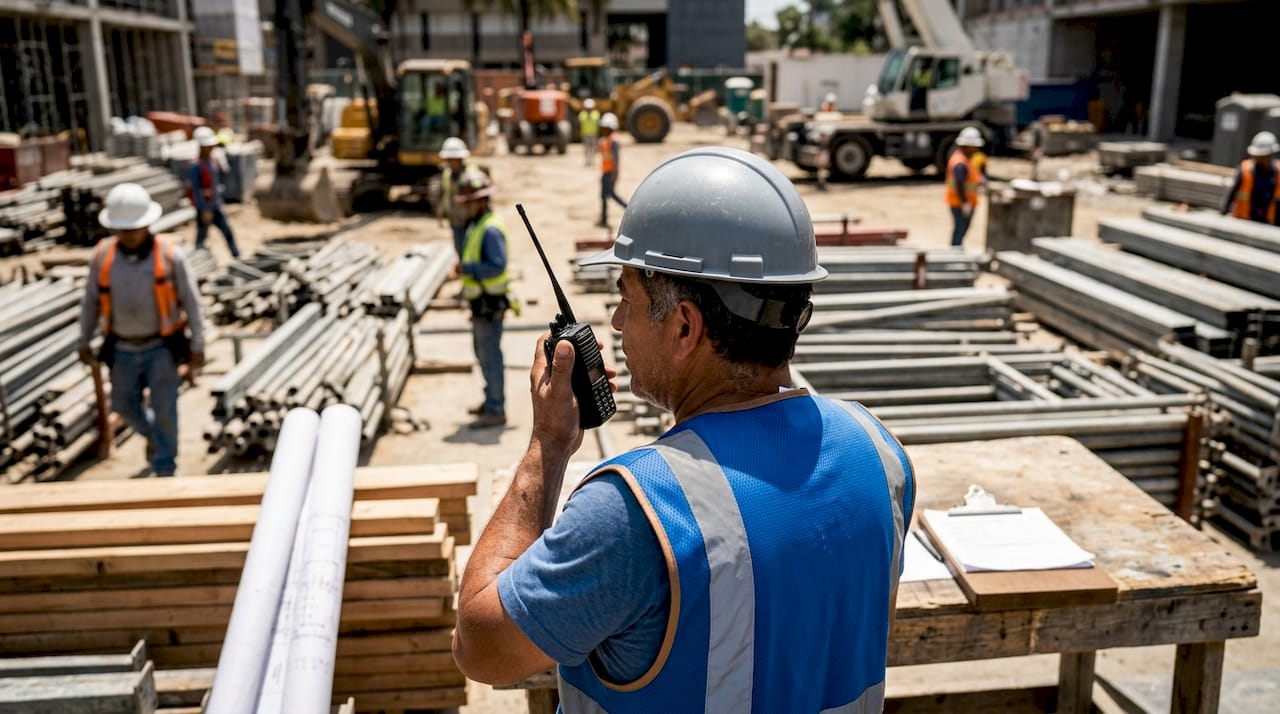
Jobsite communication tools are defined as the hardware and software systems construction teams use to share information, coordinate tasks, and maintain safety across a worksite. The three main categories are dedicated construction platforms, general-purpose messaging apps, and specialized hardware like two-way radios. Each category solves a different problem, and the strongest teams use all three together. Pricing ranges from free tiers to enterprise plans starting around $199–$375 per month, making tool selection a real budget decision, not just a technology preference.
1. Types of jobsite communication tools and why they matter
Construction communication is not a single problem with a single fix. A foreman coordinating a concrete pour needs instant, zero-latency contact with the crew below. A project manager tracking RFI responses needs a documented, searchable record. Those two needs require two completely different tools. Effective jobsite messaging tools reduce rework, prevent safety incidents, and keep schedules on track. Choosing the wrong tool for the wrong situation is one of the most common and costly mistakes in construction project management.
2. Dedicated construction communication platforms
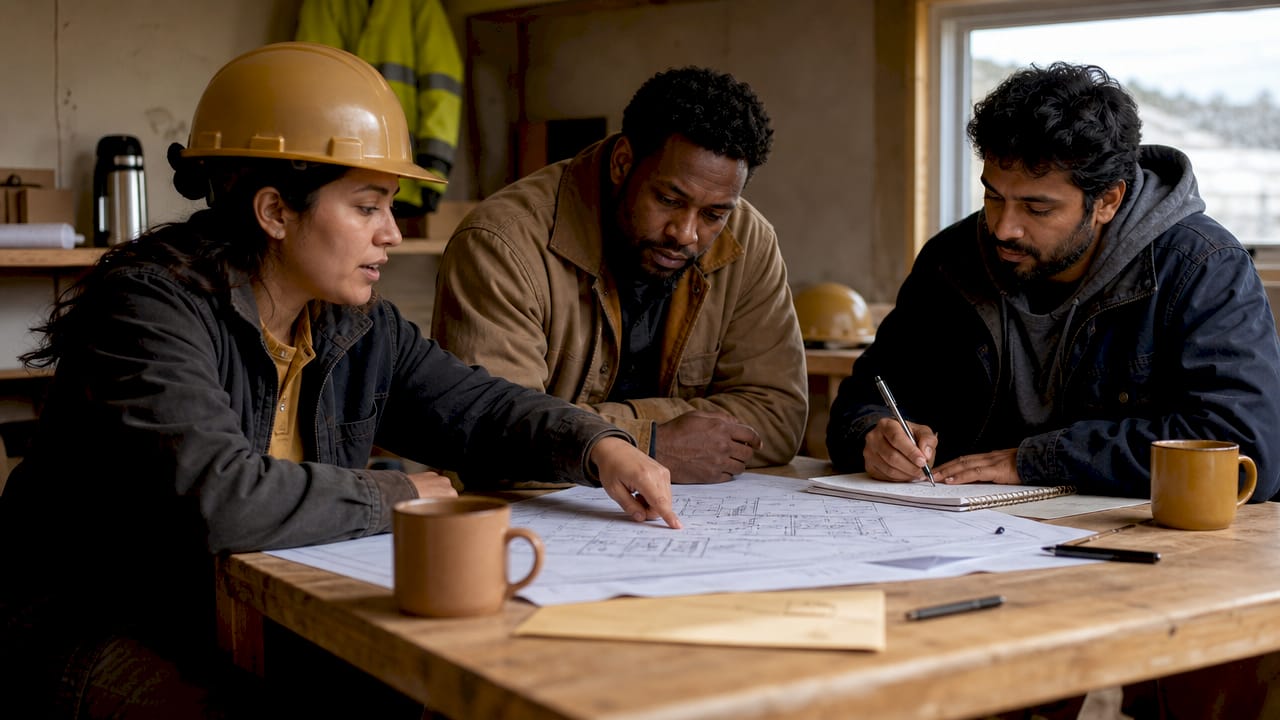
Dedicated construction platforms are purpose-built software systems that centralize communication inside the project record. They handle messaging, RFI and submittal tracking, document control, scheduling, and daily logs, all in one place. Modern construction apps blur the line between communication and project management by integrating scheduling, budgeting, and reporting into a single workflow. That integration matters because a message about a design change is only useful when it is tied to the drawing, the schedule, and the contract.
Key capabilities of dedicated construction platforms include:
- RFI and submittal tracking: Every request for information gets a timestamp, an owner, and a resolution status.
- Document control: Drawings, specs, and change orders live in one place with version history.
- Formal correspondence management: Platforms like Procore Correspondence manage formal project communication inside the project record, which is critical for commercial contracts.
- Scheduling integration: Field updates feed directly into the project schedule, reducing lag between what happens on site and what the office sees.
- Reporting and analytics: Superintendents and project managers can pull daily logs, safety reports, and productivity data without chasing paperwork.
Enterprise-level platforms carry higher price tags and longer onboarding timelines. They pay off on large, multi-trade projects where information silos create real financial risk. For smaller crews, a lighter platform with mobile-first design often delivers more value faster.
Pro Tip: Before committing to an enterprise platform, audit how your team currently handles RFIs. If most responses happen over text or verbal conversation, you are losing documentation that protects you in disputes.
3. General-purpose messaging apps for office-to-field coordination
General-purpose messaging apps like Slack and Microsoft Teams were built for office environments. They work well for project managers, estimators, and architects who need fast, organized communication across departments. Channels, threads, and file sharing make them practical for coordinating between the office and the field when the field team has reliable smartphone access.
The limitations show up fast in construction environments:
- Smartphone dependency: Field workers without company phones or email addresses cannot access these platforms without extra setup.
- Adoption friction: Adoption challenges remain high among deskless workers, requiring SMS or mobile-first solutions to bridge the gap.
- No construction context: These apps do not understand RFIs, submittals, or punch lists. A message about a drawing revision has no connection to the drawing itself.
- Notification overload: High-volume channels create noise that causes field workers to mute or ignore alerts entirely.
General-purpose apps work best as a secondary layer, connecting the office team and handling coordination that does not require construction-specific workflows. They should not replace a dedicated platform for formal project communication. Teams that rely on them as their primary tool often find themselves managing information silos that slow down decisions and create accountability gaps.
4. Specialized hardware: two-way radios, headsets, and PA systems
Specialized hardware is the most underrated category of construction communication. Two-way radios, wireless headsets, and PA systems provide instant, zero-latency communication that no app can match in a noisy, high-interference environment. Licensed frequencies managed by the FCC are critical to avoid interference that can disrupt communication at the worst possible moment.
| Hardware type | Best use case | Key limitation |
|---|---|---|
| Two-way radios | Large sites, multi-floor coordination | Requires FCC licensing for licensed bands |
| Wireless headsets | Hands-free work in loud environments | Limited range without repeaters |
| PA systems | Site-wide announcements and safety alerts | One-way only, no response capability |
| Walkie-talkies (unlicensed) | Small crews, short-range coordination | Shared frequencies cause interference |
Cloud-based mobile apps struggle in steel-dense or underground environments where cellular and Wi-Fi signals are inconsistent. Hardware does not care about signal strength. A radio works in a basement, a tunnel, or a steel-framed high-rise where a smartphone app goes silent.
Proper frequency coordination and licensing are not optional. Unlicensed radios on shared frequencies create interference that can delay safety-critical messages. Any site using two-way radios for primary coordination should work with a licensed frequency coordinator before the project starts.
Pro Tip: On multi-story projects, deploy repeaters at each floor to extend radio range. Without repeaters, coverage drops significantly above the third floor in most steel-frame structures.
5. How to choose the right combination of tools
The right communication setup depends on four factors: site size, crew composition, project complexity, and the environment itself. A single-trade residential crew needs different tools than a multi-trade commercial project with 200 workers across five floors.
A practical selection process looks like this:
- Map your communication flows. Identify who needs to talk to whom, how fast, and with what level of documentation. Safety alerts need instant delivery. Change order approvals need a paper trail.
- Assess your crew’s tech access. Workers without smartphones or company email need SMS-capable tools or hardware. Multilingual communication tools benefit diverse crews by automatically translating messages, which improves clarity on sites with mixed-language teams.
- Evaluate your environment. Underground work, dense steel framing, and remote sites all degrade cellular and Wi-Fi performance. Plan for hardware backup on any site where signal reliability is uncertain.
- Layer your tools intentionally. Hybrid systems combining radios, apps, and headsets provide flexible and effective communication on most job sites. Radios handle real-time field coordination. Platforms handle formal documentation. Messaging apps connect the office layer.
- Budget for training. A tool no one uses correctly is worse than no tool at all. Budget at least one full day of onboarding for any new platform, and assign a point person on each crew to own adoption.
Coordinating crews across multiple locations adds another layer of complexity. Multi-site projects need a platform that gives the project manager visibility across all sites without requiring separate logins or manual reporting from each superintendent.
Pro Tip: Run a two-week pilot with your actual field crew before committing to any new platform. Office staff will adopt almost anything. Field workers will tell you immediately if the tool is too slow, too complicated, or too dependent on a good signal.
6. Emerging trends in jobsite communication technology
Construction communication technology is moving fast in 2026. The clearest trends are mobile-first design, deeper software integration, and offline capability.
- Mobile-first platforms for deskless workers: Platforms like Beekeeper are designed specifically for deskless workers with multilingual support and SMS-based access. This matters because a large share of construction workers do not have company-issued devices.
- BIM and ERP integration: Integrating communication technology with BIM and ERP connects field messages directly to design models and financial workflows. A field report about a structural conflict can now trigger a design review and a budget update in the same workflow.
- Offline-capable hardware: Offline-capable communication hardware remains indispensable on sites where cellular and Wi-Fi signals are inconsistent. Hardware manufacturers are building smarter repeater networks and mesh radio systems to extend coverage without relying on internet infrastructure.
- Automatic message translation: Real-time translation inside communication platforms reduces miscommunication on diverse crews. This feature is moving from premium add-on to standard expectation in 2026.
The gap between what technology can do and what field crews actually use is still wide. The platforms that close that gap fastest will be the ones built with input from the workers using them, not just the managers buying them.
Key takeaways
Construction communication requires a layered approach: hardware for real-time field coordination, dedicated platforms for formal documentation, and messaging apps for office-to-field connectivity.
| Point | Details |
|---|---|
| Three tool categories | Dedicated platforms, messaging apps, and hardware each serve distinct roles on a jobsite. |
| Hardware is non-negotiable | Two-way radios and headsets remain essential where cellular and Wi-Fi signals fail. |
| Licensing matters | FCC frequency coordination prevents radio interference that disrupts safety-critical communication. |
| Layer tools intentionally | Hybrid systems combining radios, apps, and platforms outperform any single-tool approach. |
| Field adoption drives results | Tools that field workers actually use deliver more value than technically superior tools they ignore. |
What I’ve learned about picking the right jobsite communication tools
The biggest mistake I see project managers make is buying a platform for the office and calling it a communication solution. The office already communicates well. The problem is always at the field level, where workers are moving fast, wearing gloves, and standing in areas with poor signal.
I have watched crews on large commercial sites abandon expensive platforms within three weeks because the app was too slow to load on a 4G connection inside a steel frame. They went back to radios and text messages. The platform investment was wasted because no one tested it in the actual environment before rollout.
The tools that stick are the ones built with field workers in mind. That means fast load times, offline capability, and interfaces that work with one hand. It also means not asking a tradesperson to manage five different apps when one well-designed platform could handle everything.
Balancing formal and informal communication is the real skill. Radios handle the fast, informal coordination that keeps a crew moving. Platforms handle the documented communication that protects everyone when a dispute arises. Neither replaces the other. The project managers who understand that distinction build better communication systems and have fewer claims at closeout.
My honest advice: start with your crew, not your software catalog. Ask the foremen what breaks down. Ask the laborers what they actually use. Then build your tool stack around those answers.
— SEAN
Debecorp’s CHERP and SiteComm for jobsite coordination
Debecorp built CHERP and SiteComm from the ground up with input from tradespeople who work in the field every day. CHERP handles field operations including time and attendance, daily logs, and safety compliance, all organized by trade. SiteComm connects crews with the communication layer those workflows need.

Both platforms are designed for the realities of construction sites, not office environments. If you manage crews across trades and need a single system that handles both operations and communication, CHERP and SiteComm are built for exactly that. Debecorp’s trade-specific approach means the platform speaks the language of the work, not just the language of project management software.
FAQ
What are the main types of jobsite communication tools?
Jobsite communication tools fall into three categories: dedicated construction platforms, general-purpose messaging apps, and specialized hardware like two-way radios and headsets. Each category serves a different communication need on a construction site.
What is jobsite communication software?
Jobsite communication software is a digital platform that centralizes messaging, document sharing, RFI tracking, and project updates for construction teams. Dedicated construction platforms go further by integrating communication directly with scheduling, budgeting, and compliance workflows.
When should a jobsite use two-way radios instead of apps?
Two-way radios are the right choice in environments where cellular or Wi-Fi signals are unreliable, such as underground work, dense steel-frame structures, or remote sites. They provide zero-latency communication that no app can replicate in high-interference conditions.
How do I choose the best communication tools for my project?
Match your tools to your site size, crew composition, and environment. Large multi-trade projects need a dedicated platform for documentation and hardware for real-time coordination. Smaller crews often do well with a mobile-first app and basic radio communication.
What is the biggest challenge in adopting new jobsite communication tools?
Field adoption is the primary barrier. Workers without company phones or email addresses cannot access many platforms, and complex interfaces slow down crews who need fast, simple communication. SMS-capable and mobile-first tools address this gap most effectively.