
Finding field service management software that fits real trade workflows without forcing crews into generic forms is hard. Most alternatives lack field-tested crew roles, trade-focused workflows, or make data ownership and support slow or opaque. This comparison gives crews and contractors clear pros, cons, and fit criteria for four options so you can match the right substitute to your team’s needs.
Table of Contents
DeBe Corporation
At a Glance
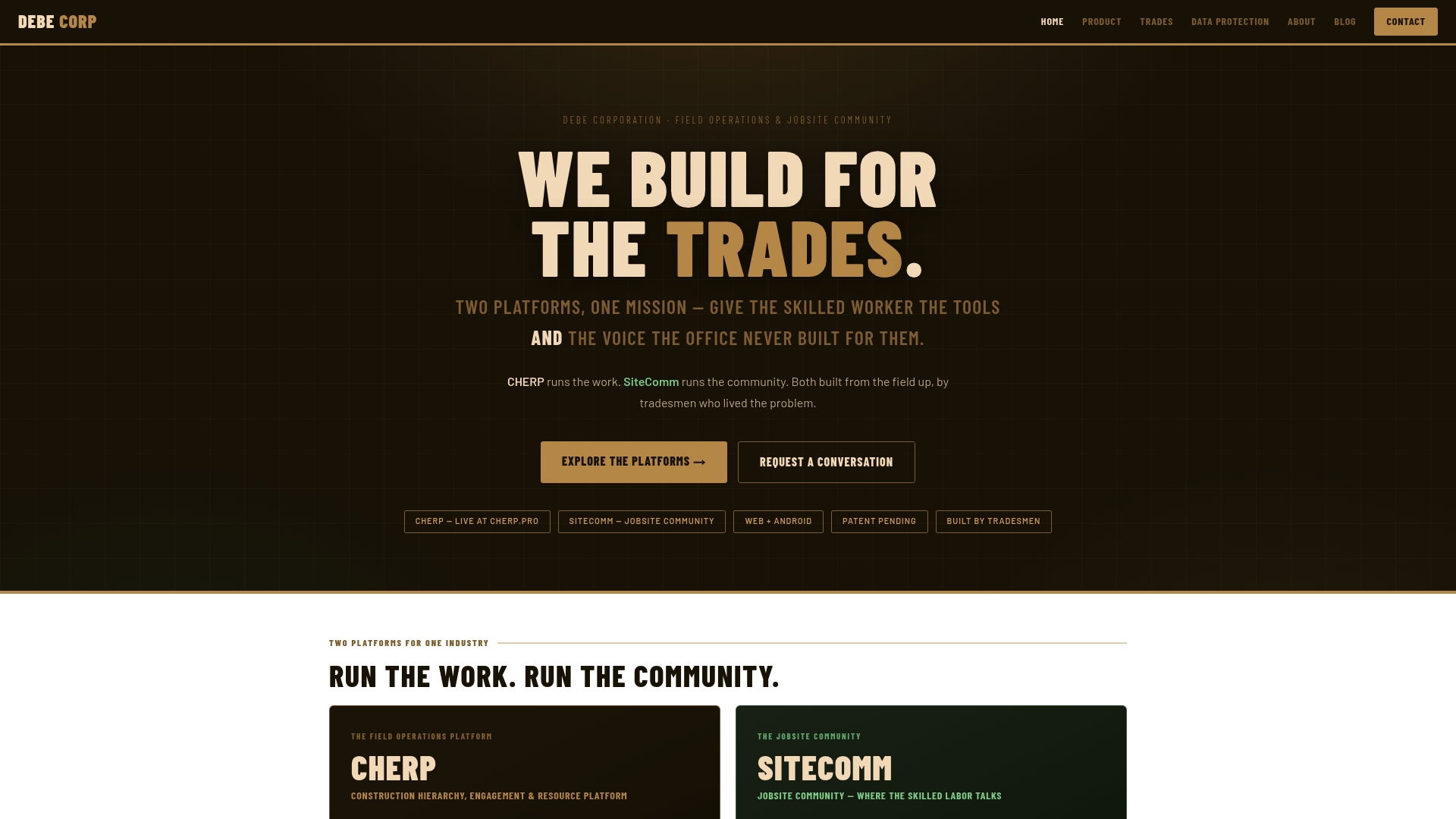
The platform grew from trade floors. Tradesmen shaped the workflows, so crew roles, language, and tools match actual site practice. That trade aware design plus offline capability and explicit data ownership changes how crews collect and keep field records.
Core Features
CHERP handles field operations such as time and attendance, daily logs, work orders, materials tracking, and safety forms while reflecting trade specific terminology and calculators. SiteComm serves as a worker owned community for posts, shoutouts, and trusted support circles that keep crews connected. The product also includes per artifact ownership and audit trails, role based assignments, and planned enterprise exports.
Key Differentiator
Trade aware, offline capable platform built from the ground up by tradesmen with a clear focus on data ownership and privacy. That combination aligns field workflows, supports work in low connectivity environments, and preserves an artifact level audit trail for accountability.
Pros
Built by tradesmen, the design matches on site language and crew roles so crews do less translation of field notes. The offline first approach lets crews record logs and safety incidents without reliable connectivity and then sync later. Strong privacy practices and explicit ownership rights reduce vendor tracking and keep control of field records in the hands of workers and contractors.
Cons
- Some features such as AI insights, compliance certifications, and enterprise integrations remain in progress, which may limit immediate use for highly regulated or integrated enterprise environments.
Who It’s For
Trade contractors and construction firms that need field accurate workflows, crew level accountability, and a private crew network for peer support. You will get the most value if your crews work in variable connectivity environments and you want auditable ownership of field records.
Unique Value Proposition
SiteComm operates as a worker owned community where crews share recognition and practical help without leaving the jobsite. That social layer reduces time lost to external messaging and keeps safety questions, shoutouts, and informal training inside the crew network.
Real World Use Case
A civil construction crew uses CHERP for daily logs, safety compliance, and work management on site and relies on offline entry when connectivity drops. Crew members use SiteComm to post quick how to notes, call out safe acts, and ask experienced colleagues for fixes. The combination preserves records and keeps crews aligned on safety and task progress.
Website: https://debecorp.com
Workiz
At a Glance
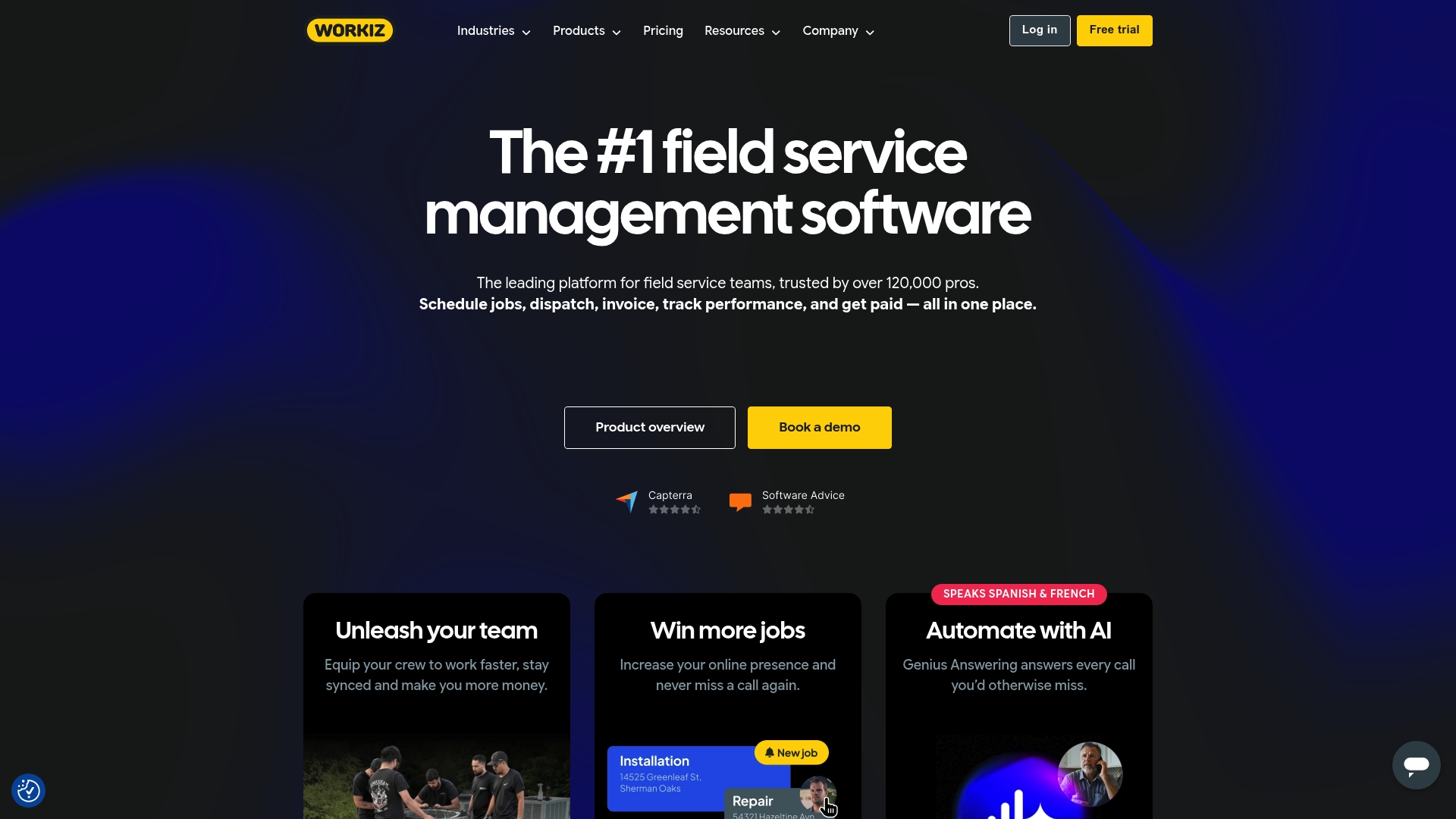
Workiz reports over 120,000 professionals using its tools. The platform centers on field operations for HVAC, plumbing, electrical, locksmith, and similar trades. That user figure signals broad adoption among general service contractors rather than niche trade specialists.
Core Features
Workiz combines drag-and-drop scheduling, dispatching, and a mobile app for iOS and Android, so technicians receive assignments and update job status on the go. It includes invoicing, integrated payments, online booking, inventory tracking, and automated customer reminders that cut manual follow up. The product also advertises AI features such as Genius Answering and Genius Leads to help manage inbound leads and phone handling.
Key Differentiator
Workiz emphasizes workflows designed by field professionals and automations tuned to common service tasks. That approach keeps routine work like confirmations, payment reminders, and simple quoting automated. This focus fits teams that want ready-made, trade-oriented workflows rather than building processes from scratch.
Pros
Intuitive scheduling and dispatching reduce calendar friction and make it faster to assign crews and plan routes. Automated reminders and online booking remove repetitive calls and free office staff for higher-value tasks. Built-in invoicing and payment processing remove a separate billing step and integrate cleanly with accounting through QuickBooks and Zapier.
Cons
- Customer support can be slow or unresponsive. Several reports describe long waits for help.
- Mobile app performance may be glitchy. Technicians sometimes face freezes or syncing problems.
- Cancelling subscriptions is reported as difficult. Admins should plan for contract friction.
- Phone and SMS features carry rising costs. Teams relying heavily on calling may see higher bills.
When It May Not Fit
If you need very fast vendor support, this product may frustrate your team. If reliable mobile performance for field crews is a hard requirement, mobile glitches could disrupt operations. If your budget is tight and SMS or phone features are central, cost escalation may make it impractical.
Notable Integrations
Workiz connects with QuickBooks, Zapier, Reserve with Google, Angi Leads, and Thumbtack to link accounting, lead sources, and booking channels.
Who It’s For
Medium to large field service contractors who want a single tool for scheduling, dispatch, invoicing, and basic lead management. Teams that prefer ready-made trade workflows and automation will find the setup familiar. This product targets general service trades rather than shop-specific or hypervertical operations that need custom workflows.
Real World Use Case
A plumbing company uses Workiz to book jobs online, assign techs with the calendar, and dispatch crews through the mobile app. The office sends automated payment reminders and stores customer history for repeat visits. That flow reduced manual scheduling work and made billing simpler for office staff.
Pricing
Pricing is not publicly disclosed. Workiz typically uses tiered subscription plans, with additional fees for phone and SMS features reported by customers. Contact the vendor for current tier details and add-on costs.
Website: https://workiz.com
FieldPulse
At a Glance
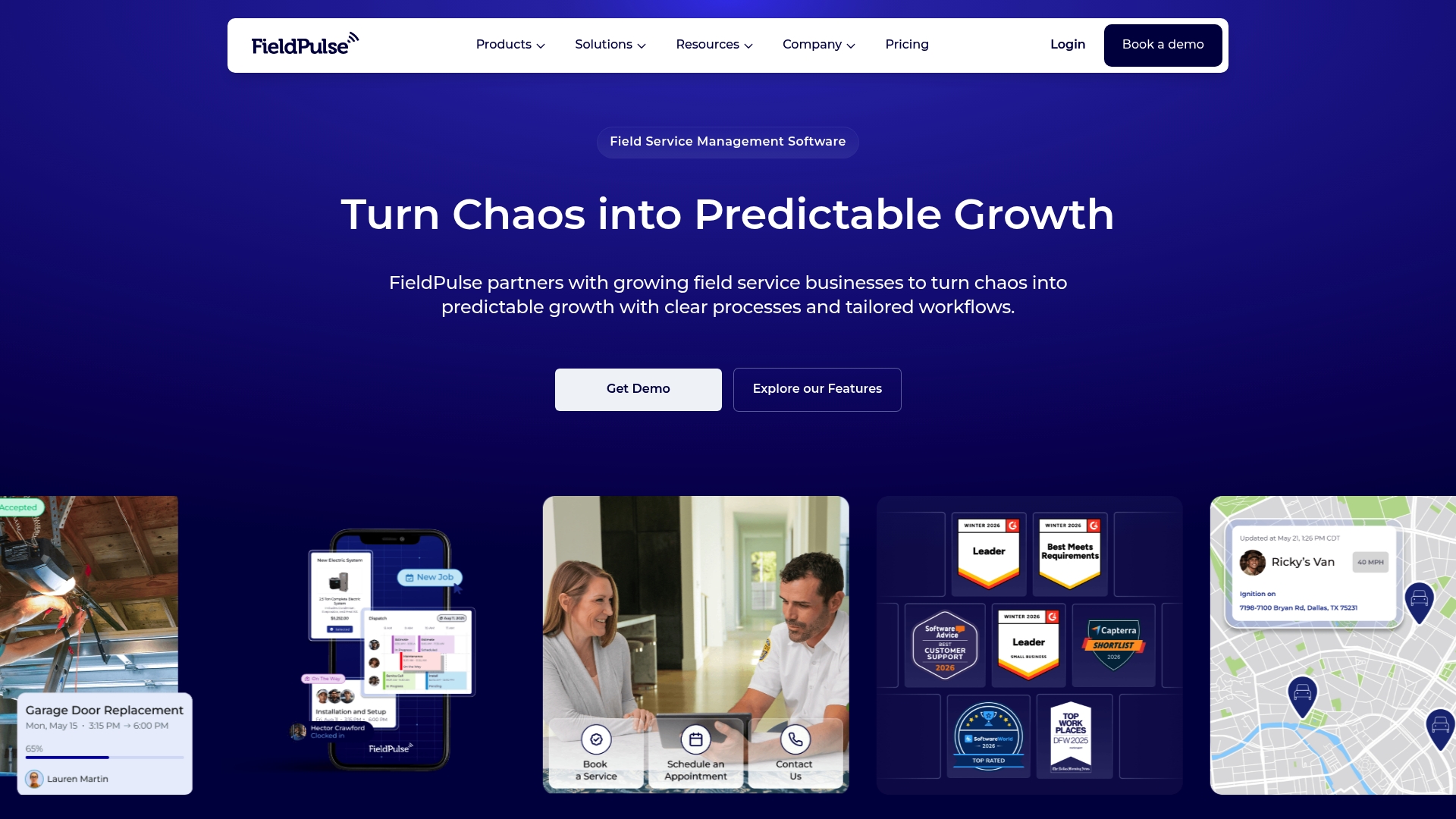
FieldPulse’s marketing materials state a user rating of 4.8/5 from over 2,500 reviews. That figure signals strong satisfaction with support and onboarding among trade contractors. The product targets small to medium service firms and supports multiple locations with customizable workflows.
Core Features
FieldPulse combines Scheduling & Dispatching, work order management, job tracking, and Estimates & Invoices into a single workflow. A mobile app lets field teams update jobs and collect signatures on site while the office manages customer records and fleet assets. The platform also exposes an API for integrations and supports custom workflows for growing teams.
Key Differentiator
FieldPulse focuses on scale and customization for trade service teams. It supports multiple locations and role based permissions while letting you tailor workflows to trade specific needs. That flexibility suits contractors who plan to add crews or locations without swapping systems.
Pros
FieldPulse offers responsive chat and onboarding that most teams find helpful during implementation. Its scheduling and mobile tools make daily dispatch and on site invoicing straightforward for technicians. Good QuickBooks connectivity and an exposed API ease bookkeeping and integrations for expanding operations. That high user rating above reflects consistently positive feedback about support and onboarding.
Cons
-
Occasional bugs and interface glitches reported by users, which can interrupt workflows.
-
Limited offline capabilities for crews working without reliable internet access.
-
Support response times can vary, especially during peak periods, which delays troubleshooting.
-
Costs can rise quickly when you add advanced features or third party integrations.
When It May Not Fit
If your crews need full offline functionality for long stretches, FieldPulse may not meet that need. Small shops with strict fixed budgets should plan for add on costs that increase the final bill. Teams that require guaranteed rapid support response during peak hours should test support SLAs first.
Notable Integrations
- QuickBooks for accounting sync and invoice matching.
Who It’s For
FieldPulse fits small to mid sized trade contractors that expect to grow. It matches teams that want customized workflows, multiple locations, and bookkeeping integration without rebuilding processes. Owners who plan to add crews will find the customization useful.
Real World Use Case
A plumbing company uses FieldPulse to assign daily jobs, let technicians update work orders on site, and send invoices immediately after service. The office reconciles payments in QuickBooks while managers track fleet usage and customer history. That setup reduced double entry for the plumbing crew.
Pricing
FieldPulse uses seat based pricing tailored to team size and needs. Pricing is customized and requires a demo and quote to see final costs. Expect base seats with optional add ons that raise the monthly total.
Website: https://fieldpulse.com
Fieldy
At a Glance
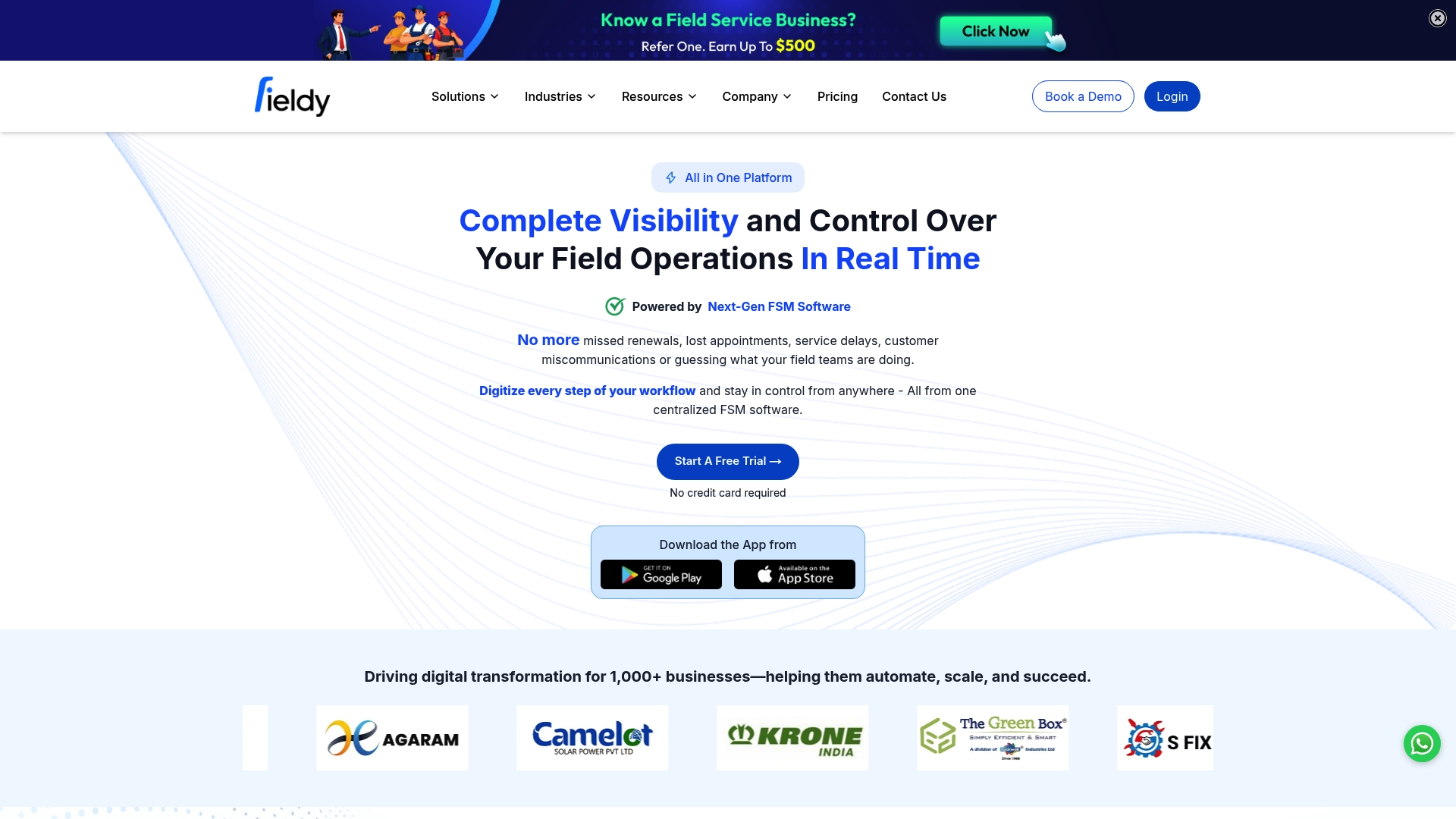
Mobile apps for Android and iOS let technicians update jobs, track parts, and close work orders from the field. Fieldy centralizes dispatch, contracts, and inventory in a single view, so managers can see live job status across crews. This visibility aims to cut manual tracking and speed billing cycles for mid-sized service firms.
Core Features
Fieldy delivers real time job and technician tracking, smart scheduling with alerts, and standardized checklists and digital forms that technicians complete on site. The platform also automates contract and revenue management while keeping communications, parts inventory, and a sales pipeline in one place. Operational analytics and reporting help operations leaders turn job data into scheduling and billing decisions.
Key Differentiator
The product’s strongest angle is its unified, live view of field operations combined with automation for contract and revenue workflows. That single pane lets dispatchers follow technicians, parts, and job completion without opening multiple tools. This focus serves mid sized to large service companies that prioritize dispatch accuracy and billing automation rather than crew level task messaging.
Pros
Fieldy provides clear, centralized visibility into field activity, which reduces guesswork for dispatchers and managers. The mobile apps let on site staff update checklists, capture signatures, and log parts usage on the job, so office teams see near real time status. Customizable workflows and reports let teams adapt the system to trade specific needs while the built in sales pipeline helps convert leads into service agreements.
Cons
- Connectivity problems and app bugs have been reported, which can disrupt data syncing and job updates.
- Customer support response times are often criticized as slow, delaying troubleshooting for urgent issues.
- Pricing and subscription details are not always transparent, which makes budgeting harder for procurement.
- Limited AI learning capabilities reduce the platform’s automation and predictive insights over time.
When It May Not Fit
If your crews work extensively offline or in low connectivity zones, the reported sync slowdowns could hurt operations. Organizations that expect rapid vendor support for urgent outages may find the response times frustrating. Shops that depend on advanced machine learning for predictive scheduling should look elsewhere since the platform’s AI learning is limited.
Who It’s For
Fieldy fits mid sized to large service companies that need to dispatch control, parts tracking, and billing automation. Choose this if you run regional service teams and require live technician location and contract management. Smaller single crew contractors may find it heavier than necessary.
Real World Use Case
A regional HVAC company uses Fieldy to dispatch technicians, monitor job progress remotely, and automate customer follow ups. Technicians update digital forms and parts usage on site, so managers see true job status without phone calls. The company uses automated contract renewals to reduce missed billings and improve cash flow.
Pricing
Fieldy does not publish a standard pricing table. The vendor Treats pricing as informational only and typically requires contact for a custom quote. Requesting a demo and a tailored quote helps reveal seat counts, modules, and license costs.
Website: https://getfieldy.com
Comparison of alternatives
When comparing trady.jobs alternatives, the solutions targeting trade contractors offer distinct advantages based on their design focus. DeBe Corporation emphasizes trade-specific workflows and offline capabilities, while competitors such as Workiz, FieldPulse, and Fieldy cater to differing operational priorities including scheduling, customer management, and customization.
Workflow Efficiency and Adaptability
DeBe Corporation differentiates itself through its trade-aware design and offline functionality, enabling crews to operate in environments with limited connectivity. This approach supports field record maintenance and privacy, elements crucial for trade-centric operations. Conversely, FieldPulse shines in customization potential, providing adaptable workflows for expanding firms. This flexibility accommodates growing teams seeking to extend their operations without system constraints.
Integration and Customer Engagement
Workiz excels in customer-related features, enabling streamlined invoicing, automated follow-ups, and lead management. For trade contractors prioritizing customer interaction and retention, Workiz’s ready-made automation tools simplify office management tasks. However, its mobile app performance and customer support limitations may hinder field operations relying on integration and responsive troubleshooting.
Best fit
- Contractors requiring field record privacy and offline-first functionality will benefit most from DeBe Corporation.
- Medium-sized teams desiring practical scheduling, dispatching, and customer management tools should choose Workiz.
- Growing service firms planning to expand crew sizes or geographic reach will find FieldPulse’s customizable features advantageous.
- Operations emphasizing real-time technician monitoring and centralized contract workflows may prefer Fieldy for its dispatch and billing automation.
Our pick
DeBe Corporation stands out due to its meticulous alignment with trade-specific workflows and offline operation capabilities. These aspects provide practical support for contractors operating in varied connectivity settings, ensuring field data integrity and synchronization. While DeBe Corporation addresses critical workflow challenges, teams valuing advanced AI-driven automation tools may turn to Workiz instead.
The following table compares field service management software options based on their standout features, best use cases, pricing details, and limitations.
| Product Name | Core Feature | Best For | Pricing | Limitation |
|---|---|---|---|---|
| Debecorp | Offline workflows and data ownership | Trade contractors in variable connectivity zones | Price not published | Enterprise features still in progress |
| Workiz | Scheduling and payment automation | Medium to large general service contractors | Price not published | Delays in customer support response |
| FieldPulse | Customizable workflows | Small to medium contractors planning to expand | Price not published | Limited offline functionality |
| Fieldy | Real-time field tracking | Mid-sized to large service companies | Price not published | Sync slowdowns reported |
How Can You Find A Better Fit Among trady.jobs Alternatives?
The search for trady.jobs alternatives highlights common challenges for trade contractors and construction firms. Many platforms fall short in matching on-site language, supporting offline work, or protecting crew data privacy. Debecorp addresses these issues directly with CHERP and SiteComm, designed by tradesmen for tradesmen. This platform lets crews record accurate field logs, manage safety compliance without internet, and communicate in a private, worker-owned network.
Debecorp puts control back in the hands of crews with:
- Trade-specific terms and calculators to reduce note translation
- Offline capability for reliable job site performance
- Transparent data ownership to safeguard records
Visit Debecorp to see how your team can fully own and manage field operations while staying connected on site. Get started with tools built for the realities of field work and team accountability.
FAQ
How does Debecorp support field service management in low connectivity environments?
Debecorp’s offline capability allows crews to record logs and safety incidents without reliable connectivity. This approach is particularly beneficial for trade contractors who often operate in areas with variable connectivity. Teams can expect to maintain accurate records even when internet access is spotty.
What is the difference between Workiz and Debecorp in terms of scheduling features?
Workiz features intuitive scheduling and dispatching that reduce calendar friction, making it faster to manage crew assignments. Debecorp, on the other hand, is designed with trade-specific terminology and workflows, which aligns better with field practices for construction crews. Consider Debecorp for its more tailored approach to trade needs.
Which platform is better for crews needing a private communication channel?
Debecorp excels with its SiteComm feature, which operates as a worker-owned community for sharing recognition and practical help among crew members. This creates a private network for crews to stay connected and support one another on the jobsite, unlike Workiz, which primarily focuses on operational tasks.
Can I trust Debecorp for data ownership and privacy?
Debecorp emphasizes data ownership and security, reducing vendor tracking and ensuring that field records remain in the hands of workers and contractors. This focus on privacy is crucial for crews concerned about control over their operational data.
How does Debecorp’s user feedback compare to other platforms?
Debecorp is built by tradesmen and reflects field workflows that resonate with users, simplifying note-taking and reporting processes. While specific user ratings for Debecorp are not mentioned, it is designed to reduce the need for crews to translate their work, which is a common concern highlighted by users of other platforms.