
Comparing construction field operations software is confusing when each platform handles payroll, compliance, and project tracking with different trade-offs. Many mainstream options hide pricing, restrict offline features, or lack trade-specific terminology, forcing contractors to compromise on workflow fit. This list details five Subtrak.com alternatives by price transparency, offline capability, and field adoption focus so contractors can choose a platform that matches their project needs.
Table of Contents
DeBe Corporation
At a Glance
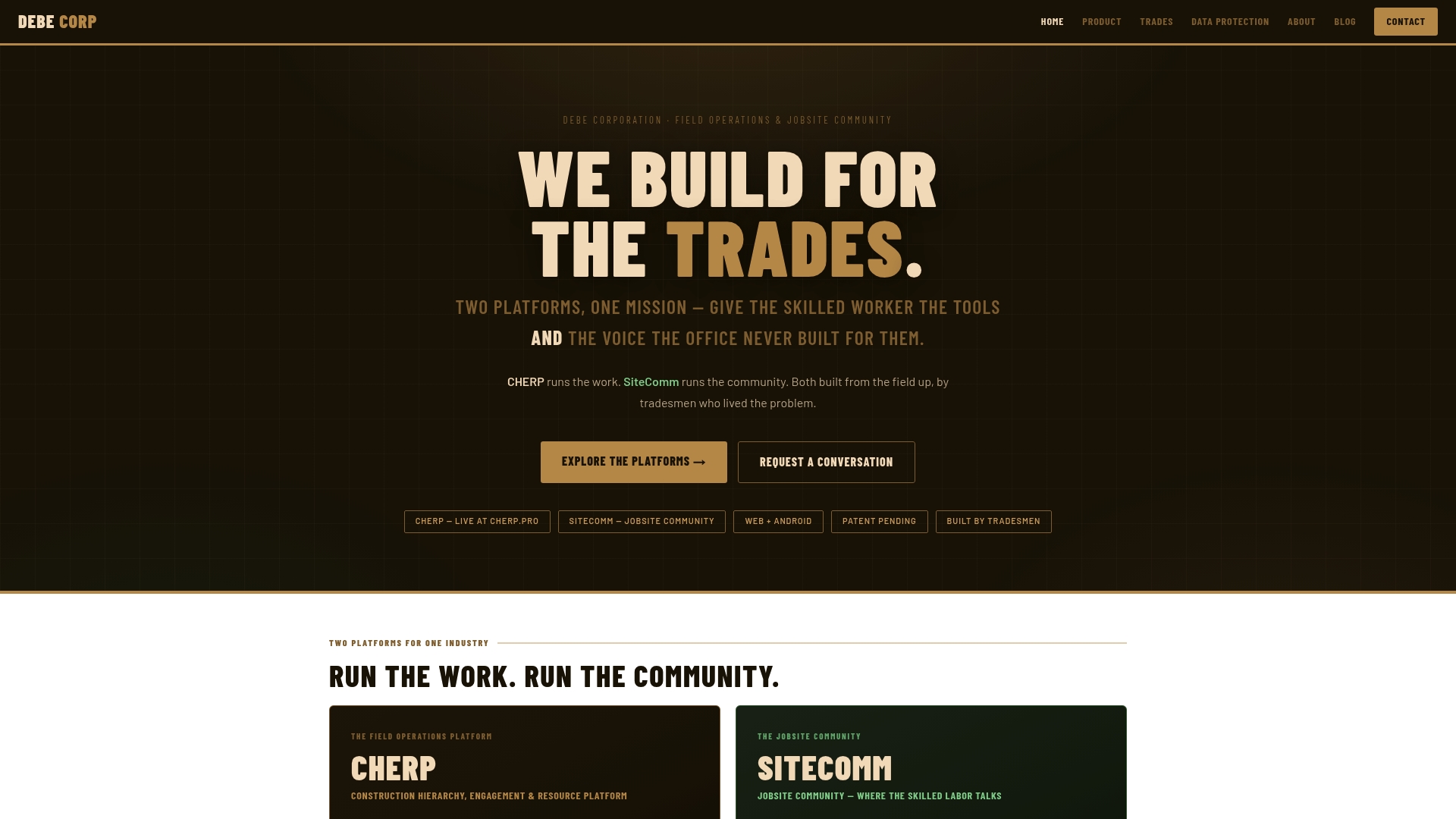
Per artifact ownership tracing creates an auditable link from each work record to the individual or crew that logged it. DeBe ships two products: CHERP for field operations and SiteComm for a worker owned jobsite community. Core functions run offline and sync when devices reconnect.
Core Features
CHERP builds the work record from the field up, using trade specific modules and terminology while tracking tasks, change orders, work orders, and hierarchies. Time and attendance includes GPS and photo verification, and safety workflows cover JSA, permits, and a hazard library. SiteComm handles crew chat, shoutouts, and peer recognition while the platform enforces proprietary logins, customer data isolation, and per artifact audit trails.
Key Differentiator
Built by tradesmen, the platform maps real trade language and field steps into every workflow. That focus produces ownership tracing tied to each artifact, which helps trace decisions and handoffs back to a crew or individual. The mapping of trade terms to workflows reduces mismatched data and speeds adoption on the crew level.
Pros
According to the company, SOC 2 and NIST work are in progress. Design by tradesmen makes screens, forms, and labels familiar to crews and foremen in plumbing, HVAC, electrical, and civil work. Offline capable core functions let crews log time, safety forms, photos, and material requests without signal and sync later. Privacy features include proprietary logins, customer data isolation, and the absence of third party trackers, which keeps records in owner control. Combining work management with a worker owned community reduces the need for separate chat or recognition tools on the jobsite.
Cons
- Some features are still in development, which may limit immediate functionality or full compliance at launch.
Who It’s For
Trades companies, project managers, safety professionals, and crews that need trade aware workflows and offline capability will find this useful. Field teams that log time, daily reports, and safety forms in remote locations match the profile. Organizations that require strict data ownership and artifact level audit trails will get the most value.
Unique Value Proposition
Per customer data isolation and a no third party tracker policy keeps jobsite records under owner control. That approach lowers the risk of external data leakage and simplifies internal audits. For crews working across multiple sites, having the work record originate from the field cuts dispute points about who logged work or safety events.
Real World Use Case
A commercial plumbing contractor uses CHERP to capture daily logs, safety forms, and material requests directly from the field. The crew records time with GPS and photo checks while offline and syncs when they reach signal. SiteComm preserves peer support and crew recognition for morale and quick problem solving on remote jobs.
Pricing
Not applicable. The product is listed as informational only and no public pricing tiers are provided. Contact DeBe for deployment or licensing details.
Website: https://debecorp.com
LumberFi
At a Glance
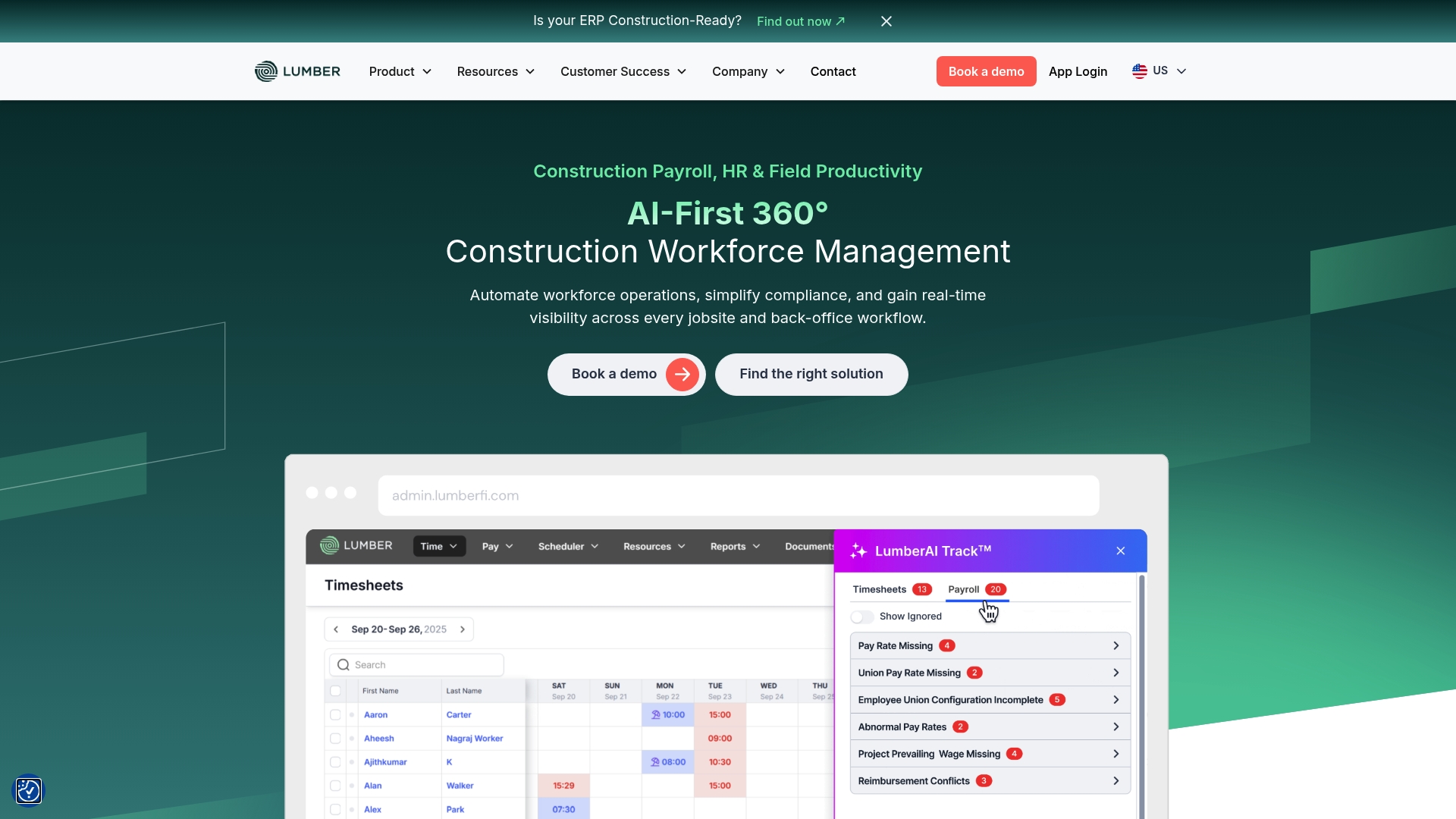
LumberFi reports integrations with over 20 construction and accounting systems. It combines payroll, HR, field productivity, safety, and compliance features aimed at contractors. The platform highlights AI tools for detecting payroll and compliance errors and offers vendor support for prevailing wage and union reporting.
Core Features
LumberFi handles payroll including certified payroll and union reporting, and it manages HR tasks such as applicant tracking, onboarding, and benefits administration. Field tools cover time tracking, equipment records, and safety management while AI-driven insights assist with compliance checks. The product also advertises connections to ERP and accounting systems so data moves between field and back office.
Key Differentiator
The clearest difference is AI-driven compliance auditing combined with broad ERP connectivity. That mix targets contractors facing complex Davis Bacon and union rules and reduces manual checklist work. The platform pairs those tools with specialist support to help with implementation and audit readiness.
Pros
LumberFi offers a tight feature set for contractors who must manage certified payroll, union reporting, and prevailing wage requirements. Its combined payroll, HR, and field tracking reduces duplicate data entry across systems. Expert assistance branded as LumberCare supports rollouts and ongoing compliance questions. The vendor also emphasizes AI checks that flag errors before audits, which can shorten correction cycles.
Cons
- Pricing details are not public. That suggests custom quotes or enterprise agreements may apply.
- Feature breadth increases setup complexity. New teams may need extended onboarding and training.
- The product is focused on construction workforce problems and is less suitable for nonconstruction firms.
When It May Not Fit
Small contractors with tight budgets may find custom pricing prohibitive. Teams without dedicated payroll or HR staff will face a steeper learning curve during implementation. If you need a general HR or time tool for nonconstruction work, this platform may be too specialized.
Notable Integrations
- Acumatica
- NetSuite
- Sage Intacct
- QuickBooks
- Sage 100 Construction
- Sage 300 Construction
- Vista
- Spectrum
Who It’s For
Contractors and construction firms that must run certified payroll, manage union rules, and keep field and back office data aligned. Companies with medium to large projects and existing ERP systems will get the most value. Firms wanting bundled payroll, HR, and field tracking with compliance support should evaluate it.
Real World Use Case
A mid sized contractor uses LumberFi to run certified payroll across multiple sites, capture time and equipment usage in the field, and compile union reports. The ERP links move payroll totals into accounting and speed month end. AI checks reduce manual errors before formal compliance audits.
Pricing
Pricing is not specified and appears to be custom or enterprise based. Expect vendor quotes that vary by company size, feature set, and integration scope.
Website: https://lumberfi.com
FieldFlō
At a Glance
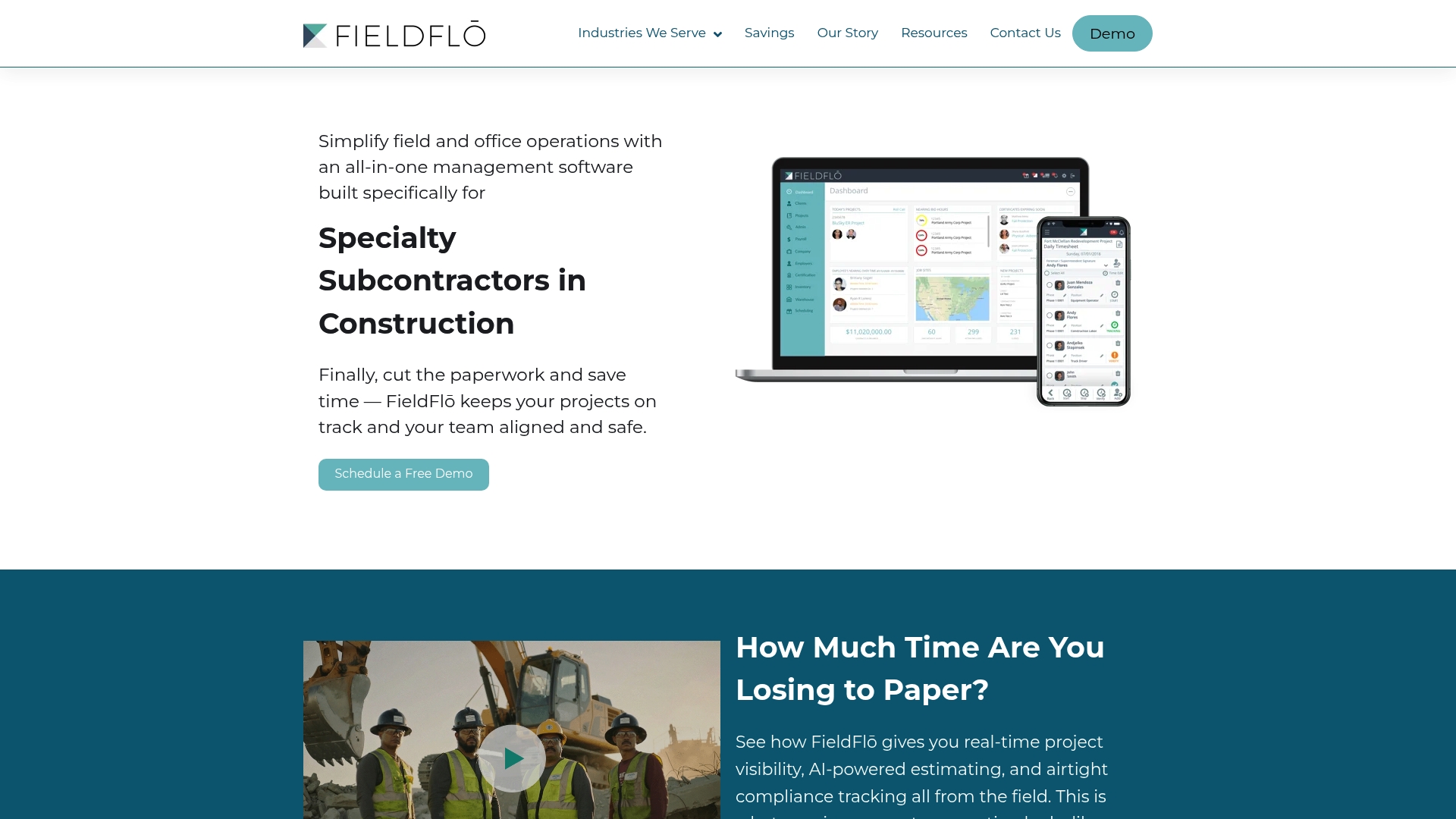
AI powered estimating sits next to industry specific compliance tracking for asbestos, demolition, and remediation work. The platform combines project, HR, inventory, and safety tools into a single environment for specialty subcontractors. That combination reduces paperwork for crews on hazardous jobs.
Core Features
FieldFlō bundles Project management for field and office teams with job costing, bid management, and interactive scheduling that can deploy crews via SMS. It includes AI powered estimating and a Airtight compliance tracking system for certifications, training, and site safety checks. The platform also handles time tracking, payroll, inventory, equipment warehouses, and document sharing.
Key Differentiator
FieldFlō positions itself for specialty subcontractors rather than general contractors. It mixes estimating driven by AI with compliance tools tailored to asbestos abatement, demolition, and environmental remediation. That focus shows up in features that track certifications, hazardous work protocols, and materials unique to those trades.
Pros
Built for subcontractors, FieldFlō groups field and back office tasks in one place so you do not juggle separate apps. The interface is reported as accessible across age and technical skill levels, which helps crews adopt it faster. Real time project visibility and document sharing reduce delays between the office and the jobsite.
Cons
- Pricing and scalability are not detailed. The vendor lists pricing as not applicable and provides no public tiers or free plan details.
- The platform depends on internet connectivity. Offline capabilities are not described and some features may be limited without a connection.
- Independent third party reviews are sparse. Most available claims come from vendor materials.
When It May Not Fit
If you require transparent published pricing or a free tier to pilot the software, FieldFlō may not meet that procurement need. If your crews regularly work in locations without reliable internet, you may need a system that guarantees full offline operation. If detailed onboarding timelines and support SLAs are a must, the vendor does not publish those specifics.
Notable Integrations
- Sage100 and Sage300 for accounting sync.
- SageIntacct for cloud financials.
- QuickBooks Desktop and QuickBooks Online for small business accounting.
- Acumatica for ERP workflows.
- Viewpoint Vista for construction accounting and project controls.
Who It’s For
Specialty subcontractors and small to mid sized construction firms focused on remediation, demolition, or masonry work will find the feature set relevant. Teams that need combined safety, HR, and project controls in one place will get more value. Operations that require industry specific forms and certification tracking benefit the most.
Real World Use Case
A demolition contractor uses FieldFlō to centralize safety protocols, employee certifications, and job documentation. Supervisors deploy crews by SMS and monitor training status before a hazardous job starts. The result is less paper, clearer handoffs, and faster compliance checks.
Pricing
The product listing states pricing is not applicable and is informational only. No public tier names, starting prices, or free plan details appear on the public listing. Contacting sales is required to get a quote and plan details.
Website: https://fieldflo.com
IVO Systems
At a Glance
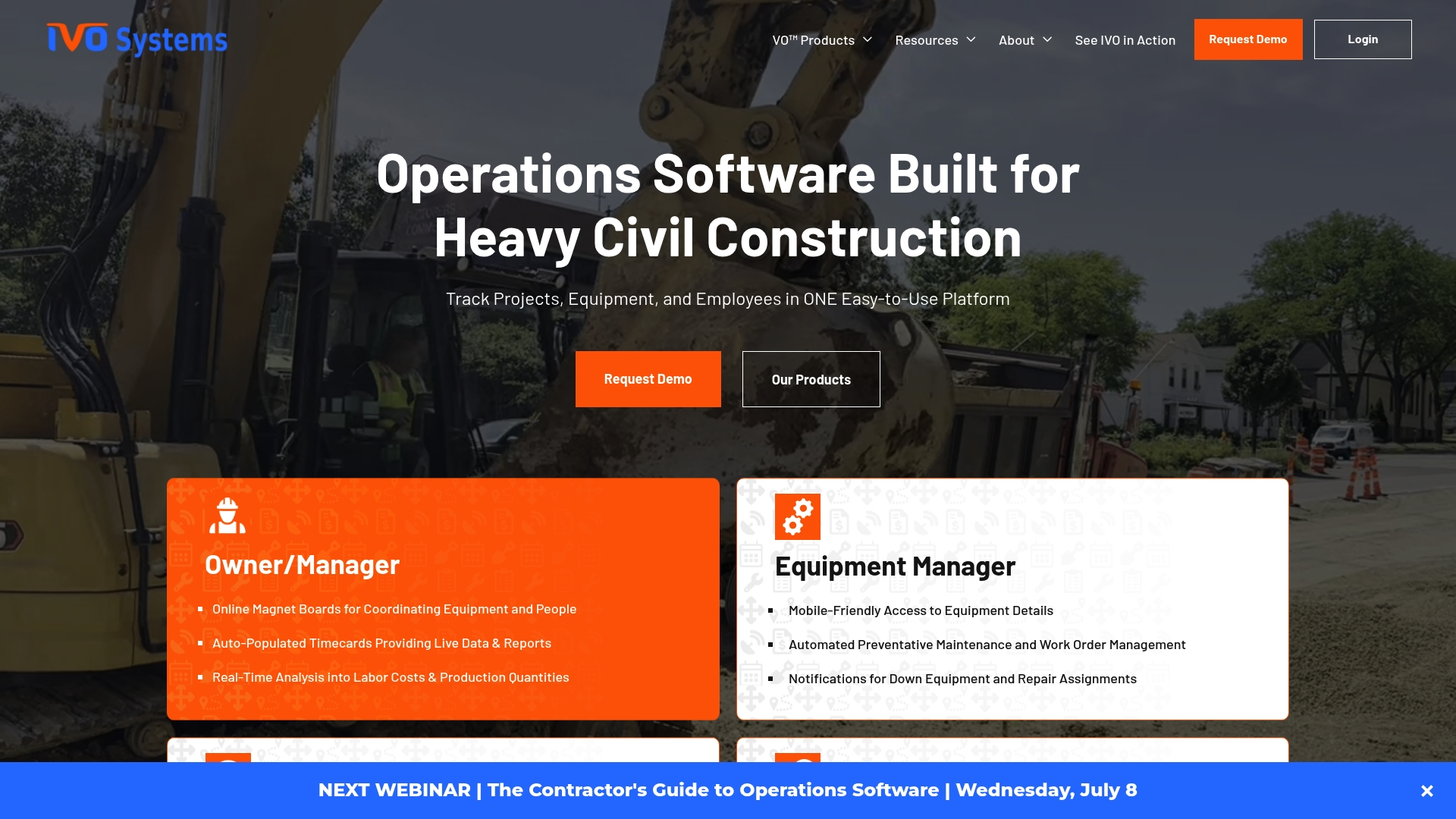
IVO Systems reports a Wisconsin heavy civil contractor saved 10–20 hours weekly by centralizing scheduling, equipment tracking, and field communication. The company is backed by TitletownTech, a partnership that includes Microsoft and the Green Bay Packers. That backing supports a focus on fast rollout and construction specific workflows.
Core Features
IVO Systems bundles real-time equipment tracking with crew and project visibility so sites and offices share the same status updates. The platform automates employee and crew timecards from project modules and supports scheduling and dispatching with interactive text notifications. Preventative maintenance, work order management, and GPS and telematics connections keep vehicles and machines on a planned service cadence.
Key Differentiator
The product was built by construction professionals and targets heavy civil contractors with modules that mirror real operational roles and tasks. That design intent shortens training time and reduces the gap between field needs and office reporting.
Pros
Built from construction experience, IVO Systems favors field adoption through a straightforward interface and modules tailored to jobsite realities. The platform offers access across the company with customizable user permissions, which helps operations teams control who sees equipment locations or maintenance records. Implementation is rapid and simple by design, and the interconnected modules reduce duplicate data entry between scheduling, timecards, and maintenance.
Cons
- Third-party reviews indicate potential limitations in scalability for very large enterprises.
- Some modules require additional configuration for complex projects, which adds setup time.
- Pricing is provided by custom quote, which may frustrate small firms that want transparent list pricing.
When It May Not Fit
If your organization runs highly customized, multi state fleets with complex ERP integration needs, IVO may require tailored setup and professional services. Smaller contractors seeking fixed list pricing may find the custom quote model less convenient. Large enterprise IT teams expecting out of the box, multi system scaling should assess fit carefully.
Notable Integrations
IVO connects to common ERP systems for financial and job cost alignment and supports direct links to GPS and telematics hardware for vehicle and equipment location and runtime data.
Who It’s For
Heavy civil construction contractors who need an all in one operations tool will get the most from IVO Systems. Operations managers, fleet supervisors, and project superintendents who want one place for scheduling, timecards, and maintenance will find the workflows aligned to field practice.
Real World Use Case
A Wisconsin contractor used IVO to reduce administrative time by that 10–20 hour weekly figure through consolidated scheduling and equipment visibility. Field crews received text dispatches and supervisors pulled timecards directly from project modules, which cut double entry and improved resource allocation.
Pricing
Pricing is based on company size and module selection. The vendor provides personalized quotes only. Contact sales@ivosystems.com or schedule a demo to get a tailored price and module recommendation.
Website: https://ivosystems.com
TradeTraks
At a Glance
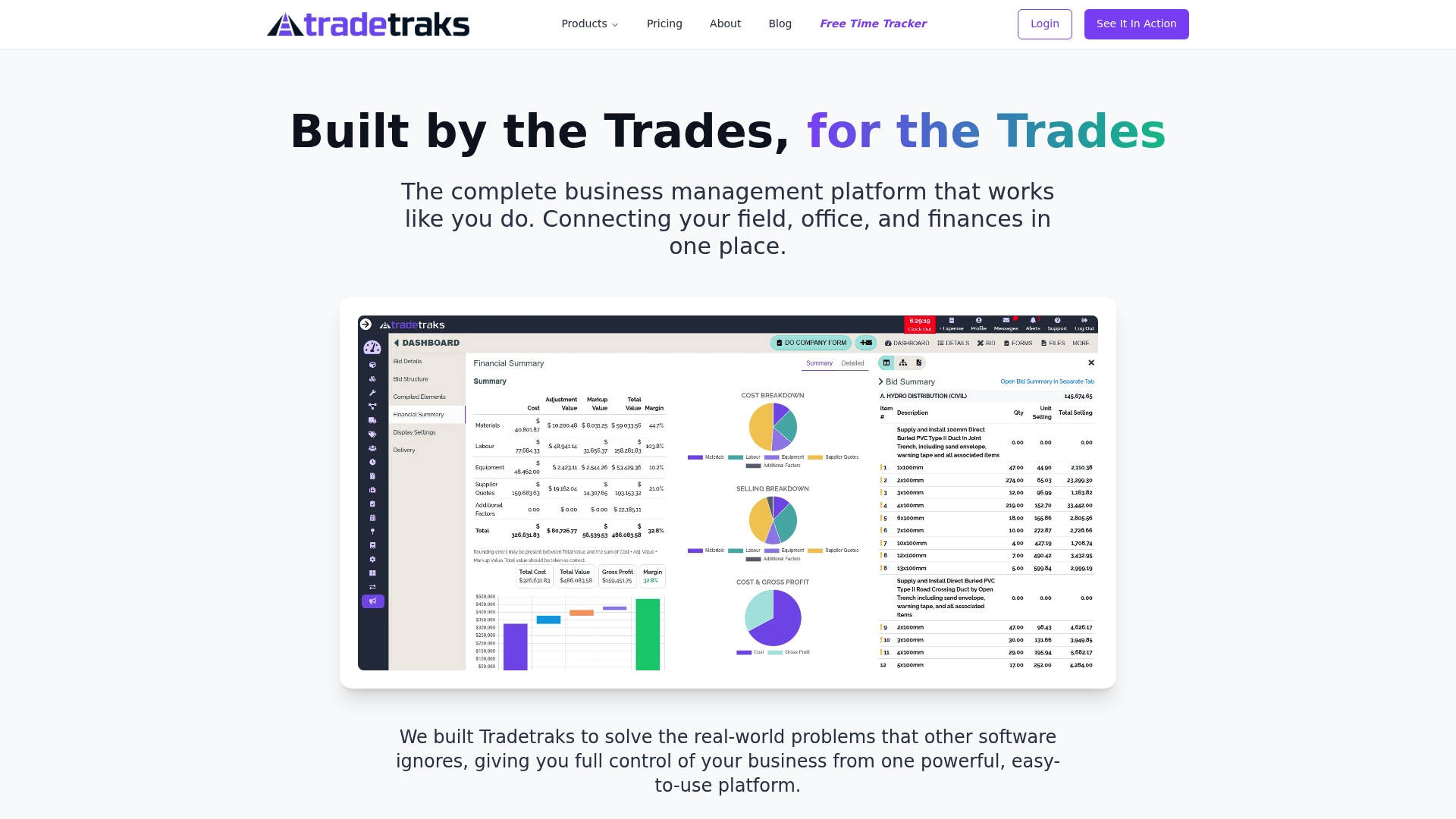
$195/month for up to 8 users is the listed entry price for TradeTraks. The vendor positions the plan for small crews while offering tiered pricing for larger teams and enterprise customers. TradeTraks emphasizes field-tested features and built-in financial links to accounting and payment tools.
Core Features
TradeTraks combines project scheduling with real-time updates and GPS time tracking so crew locations and hours stay verifiable. The platform offers live financial tracking and profit analysis that connects directly to accounting systems. Safety and compliance management includes automated alerts and certificate tracking, while project-specific messaging keeps documents and conversations in one place.
Key Differentiator
The product was built by people who worked in construction and trades, and the vendor highlights field testing of features with crews. That focus leads to workflows aimed at cutting duplicate entry and putting financial data next to schedule and safety records. The design targets trades teams that need tools shaped by on-the-job experience rather than general office project managers.
Pros
Founders with hands-on construction experience shaped workflows and terminology so the product matches common site practices. The platform centralizes schedule, payroll hours, safety records, and messaging to reduce data handoffs and lost paperwork. Linking live project finances to QuickBooks and payment processors helps you see margin impact on active jobs without manual reconciliation. The vendor cites customer testimonials that praise time savings and improved job profitability.
Cons
- Pricing scales by user count and may become expensive for very large teams.
- The product description gives limited detail on advanced customization options for workflows.
- Public consumer reviews are not explicitly listed, so user-specific limitations are harder to verify.
When It May Not Fit
Teams with hundreds of seats on site will need to model total cost before committing because tiered pricing can add up. Organizations that require deep platform customization or many niche third-party integrations may find the available integration list too narrow. If independent user reviews or third-party benchmarks matter to procurement, the lack of widely published customer data will slow decision cycles.
Notable Integrations
TradeTraks connects to QuickBooks for accounting sync and supports Stripe, Square, and PayPal for payment processing. Those links cover common invoicing and payment workflows used by subcontractors and small general contractors. No other integrations are listed in the product summary.
Who It’s For
This product fits trades companies and construction contractors who want a single platform for scheduling, safety, and job-level finance. Small to mid-sized contracting firms that already use QuickBooks for accounting will get immediate value from the sync. Larger contractors should evaluate pricing tiers and integration needs against their current tech stack.
Real World Use Case
A plumbing and electrical contractor used TradeTraks to replace paper schedules and separate time sheets. Crew hours came in via GPS time tracking, which synced to job costs and QuickBooks. The firm reported fewer delayed tasks and clearer job-level margins after centralizing schedule, safety, and finance workflows.
Pricing
The vendor lists $195/month for up to 8 users as the starting plan, with tiered pricing for larger teams and enterprise options. TradeTraks also offers a one-time onboarding fee and customizable plans for businesses with special requirements. Prospective buyers should request a detailed quote that reflects seat counts and onboarding needs.
Website: https://tradetraks.ca
Comparison of alternatives
Offline operations and field connectivity
DeBe Corporation’s strength clearly lies in its offline compatibility, allowing crews to maintain critical operations even in remote or signal-compromised locations. The CHERP and SiteComm solutions generate field-level records synchronize upon internet availability, resulting in streamlined task management and reducing potential data loss. Competitors, while offering superior analytics or broader integration capabilities, often rely heavily on active internet connections and fail to sufficiently support disconnected operations.
Integration and compliance precision
LumberFi excels in leveraging AI-driven tools to enhance regulatory requirement adherence. For contractors subject to Davis-Bacon regulations or managing union-specific reporting, LumberFi’s capabilities ensure correctness through automated compliance checks and expert implementation support. While other software solutions provide general compliance functions, these often don’t compare in specificity and proactive review insights as attained through LumberFi’s AI-enhanced systems, making it a dependable choice for corporations dealing with such intricate compliance landscapes.
Best fit
- Field-oriented teams operating in environments without consistent networks will benefit from DeBe Corporation’s offline functionality and indispensably optimized workflows.
- Organizations that emphasize compliance management, particularly with complex regulatory frameworks like Davis-Bacon or similar union obligations, should evaluate LumberFi’s superior integrated audit and compliance assistance tools.
- Cost-sensitive small teams may find TradeTraks practical due to its transparent entry-level pricing and emphasis on simplifying traditional financial and scheduling integrations.
- Specialty subcontractors requiring intricate task-specific compliance mechanisms and hazardous materials protocols should investigate FieldFlō’s feature set tailored to these needs.
- Heavy civil contractors will appreciate IVO Systems’ centralized platform designed to streamline operations management, including equipment tracking and workforce coordination.
Our pick
DeBe Corporation stands out in its targeted service to field-first workforces. The proprietary alignment of trade-localized terminology with advanced offline capabilities ensures continuity and expedience under various field circumstances. For teams that require consistent operation on remote sites or within industry-specific frameworks, choosing DeBe Corporation will likely result in better workflows and operational effectiveness. However, if compliance integration or advanced auditing is the prevailing challenge, evaluating LumberFi may be a prudent alternative.
Deciding between construction field operations platforms comes down to offline functionality and trade-specific workflows.
| Product Name | Core Feature | Key Differentiator | Best For | Pricing | Limitation |
|---|---|---|---|---|---|
| Debecorp | Time, safety, artifact tracing | Built by tradesmen with trade-aware workflows | Crew teams requiring offline functionality | Price not published | Some features still developing |
| LumberFi | Payroll, HR, compliance tools | AI-driven compliance auditing and ERP integration | Contractors with certified payroll needs | Price not published | Complex setup needs extended onboarding |
| FieldFlō | Project management, compliance tracking | Tailored for subcontractors in remediation & asbestos work | Specialty subcontractors needing compliance tools | Price not published | Requires internet connectivity |
| IVO Systems | Equipment tracking, dispatch | Designed for heavy civil contractors | Operations managers in heavy construction | Price not published | Limited scalability for large enterprises |
| TradeTraks | Scheduling, GPS time tracking | Built by workers with field-tested features | Small contractors using financial systems | $195/month for 8 users | Expensive for larger teams |
What Challenges Do You Face When Searching for Subtrak.com Alternatives?
Many trades companies and project managers struggle to find a platform built specifically with their field operations in mind. Managing time, attendance, safety, and crew communication can feel disconnected when tools do not speak the trade language. Debecorp answers this by offering CHERP and SiteComm, designed by tradesmen for tradesmen. These platforms work offline and connect tasks like safety workflows and daily logs directly to the people who complete them.
Key benefits include:
- Trade-specific workflows that match crew terminology
- Privacy controls with customer data isolation
- Integration of worker owned community tools to boost communication
Take the next step toward streamlined field management by visiting Debecorp. See how CHERP and SiteComm reduce confusion and improve accountability on construction sites.
FAQ
How does Debecorp support time tracking for field crews?
Debecorp offers offline capable time and attendance features, allowing crews to log time seamlessly without a signal. The platform includes GPS and photo verification as part of its time tracking capabilities. Users can expect accurate and verifiable logs for time spent on projects.
What is the difference between Debecorp and LumberFi for compliance tracking?
LumberFi contains a strong focus on certified payroll and union reporting, making it excellent for contractors dealing with complex wage laws. In contrast, Debecorp’s strength lies in its trade-aware workflows and ownership tracing tied to each artifact, which may be more beneficial for teams that need an auditable record of work. Teams can evaluate which platform aligns more closely with their specific needs.
Which platform is better for crew communication: Debecorp or FieldFlō?
Debecorp includes SiteComm, which facilitates crew chat and peer recognition on the job site, promoting a worker-owned community. FieldFlō, while strong in project management, may lack the dedicated community features offered by Debecorp. Consider Debecorp if fostering communication and recognition among your crews is a priority.
Can Debecorp handle safety workflows effectively?
Debecorp’s safety workflows encompass Job Safety Analysis (JSA), permits, and a comprehensive hazard library. This ensures that safety remains a top priority on the job site while maintaining trade-specific workflows. Users can rely on Debecorp to streamline their safety documentation and compliance processes.
How does Debecorp ensure data privacy for its users?
Debecorp enforces proprietary logins and customer data isolation, which helps maintain control over job site records. This focus on privacy and data security mitigates the risk of external data leakage. Organizations can confidently manage sensitive project information without compromising privacy.