
Picking construction field operations software that supports both offline use and trade-specific workflows is still a major challenge. Many platforms require constant internet access or lock customization behind enterprise plans, limiting real-world flexibility for field crews. This comparison covers features, mobile access, and workflow support so contractors can match tools to their project scale and crew needs without guesswork.
Table of Contents
DeBe Corporation
At a Glance
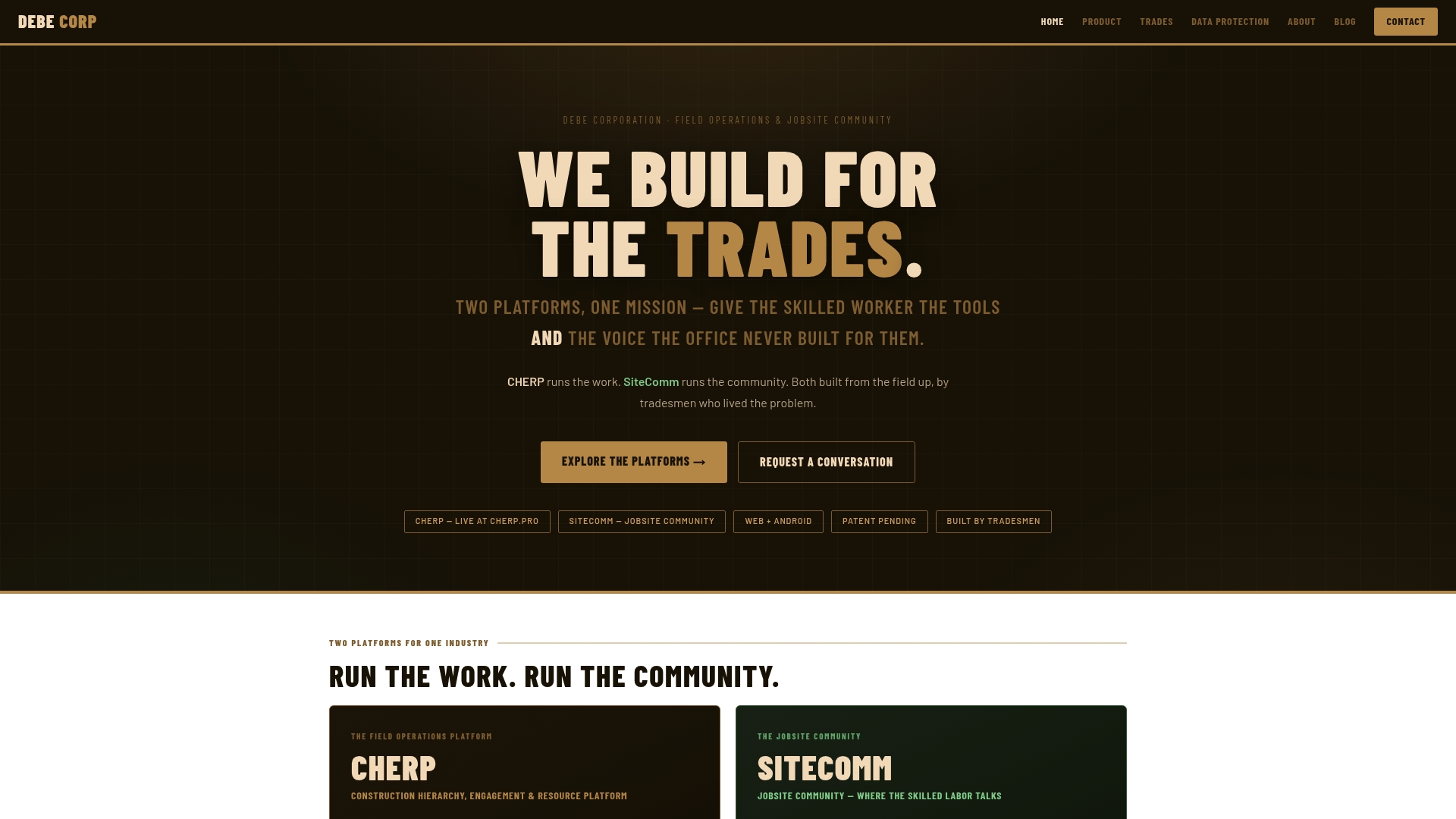
Fourteen trade profiles are currently supported, giving crews access to tools and calculators tailored to each craft. The offering centers on two platforms, CHERP and SiteComm, built by tradespeople for tradespeople. Both target ground-up recordkeeping and a worker owned community for recognition and safety on the job site.
Core Features
CHERP captures daily logs, time and attendance, and safety records while working offline first so crews can record work without reliable cell coverage. SiteComm hosts posts, groups, and safety reporting for peer recognition and job site communication. The vendor advertises ongoing efforts toward SOC 2 and NIST SP 800-171 compliance as part of planned enterprise level security improvements.
Key Differentiator
Trade specific customization and ownership tracing set this offering apart. The platform records per artifact ownership and keeps data isolated when required, which helps preserve who created what on a record. Tradesmen shaped the workflows from the ground up so terminology, calculators, and safety checks match real field practice.
Pros
Built by tradespeople, the product reflects field realities and reduces the need to translate office forms into craft language. Offline first design keeps crews productive on remote sites and avoids lost entries when connectivity drops. The platform includes privacy controls and ownership tracing that give crews clearer control over who owns photos, notes, and safety artifacts. Trade aware tools and calculators cut the time crews spend on manual conversions and on retyping work logs.
Cons
- Some features are still planned or under development, which may delay access to every capability for all crews.
Who It’s For
Trade contractors, foremen, and safety professionals who need trade specific operational forms and a peer network will find this useful. Larger crews that rely on accurate ground truth for progress claims or safety audits will gain the most from the recordkeeping features. Teams with intermittent connectivity will benefit from the offline first design.
Unique Value Proposition
Per artifact ownership tracing drives clearer handoffs and accountability on site. That capability reduces disputes about who logged work or submitted a safety report because records explicitly link entries to creators. When ownership and trade specific workflows align, office reconciliation and safety follow up both require less back and forth.
Real World Use Case
A civil contractor uses CHERP to log daily quantities, safety incidents, and material receipts while on site. Crews switch to SiteComm to post a safety near miss and to recognize a coworker who fixed a hazard. The linked records keep the incident, the corrective action, and the person who filed the report together for later review.
Website: https://debecorp.com
Procore

At a Glance
Procore reports over 500 integrations with construction tools and systems. That wide connector set helps centralize drawings, schedules, and accounting feeds in one place. The platform also advertises unlimited users and data support under volume-based plans. These factors make it a platform suited to organizations managing many concurrent projects.
Core Features
Procore combines a single project hub for office and field teams with document control, cost management, and resource tracking. The platform includes AI-powered automation to surface risk and task alerts, and customizable workflows so teams can mirror trade-specific processes. Reporting and views adapt to project roles, which keeps field crews focused on actionable items.
Key Differentiator
Procore’s standout claim is its built-in AI and automation that guides project decisions and resource allocation across the full lifecycle. The system uses that automation to reduce repetitive data entry and highlight cost or schedule risks for project managers. That emphasis on proactive guidance separates it from tools that focus only on record keeping.
Pros
Procore groups project controls, cost, and collaboration into one environment, which reduces tool switching for office and field staff. The vendor advertises FedRAMP, SOC 2, and ISO-27001 compliance, which speaks to its security posture for public and private projects. Unlimited users and data under volume-based pricing remove per-seat constraints for large teams and complex portfolios.
Cons
- Pricing can be complex. Costs vary widely by annual construction volume and selected product modules.
- Implementation takes time. Large organizations should plan for extended training and change management.
- Advanced features have a learning curve for superintendents and junior PMs unfamiliar with integrated workflows.
- Reliance on cloud connectivity may create issues on remote jobsites with poor internet access.
When It May Not Fit
If your company runs mostly small, one-off projects, Procore’s higher cost for small volumes may outweigh its benefits. Teams unwilling to invest in formal rollout and training will see limited value from the platform’s deeper features. If frequent offline access is a hard requirement, a simpler offline-first tool might serve you better.
Notable Integrations
Procore connects with common construction systems including Bluebeam, Microsoft Project, Oracle Primavera P6, Sage 100 Contractor, Smartsheets, and Zoom. These integrations let you sync estimates, schedules, and markups without manual file transfers.
Who It’s For
Procore fits general contractors, project managers, owners, and specialty contractors managing multiple simultaneous projects. It suits teams that need a single source of truth for drawings, cost, and schedule data. Organizations planning an enterprise rollout and willing to invest in training will get the most from its features.
Real World Use Case
A regional contractor runs Procore across several sites to automate daily logs and consolidate cost tracking. Field crews upload progress and photos while office staff reconcile costs in real time. That setup closes communication loops and reduces rework driven by outdated drawings.
Pricing
Procore uses volume-based pricing tied to annual construction volume and product module selection. Plans include unlimited users and unlimited data, with final cost determined by the modules you pick and your yearly volume. The vendor structures quotes to reflect project scale and selected features.
Website: https://procore.com
Raken
At a Glance
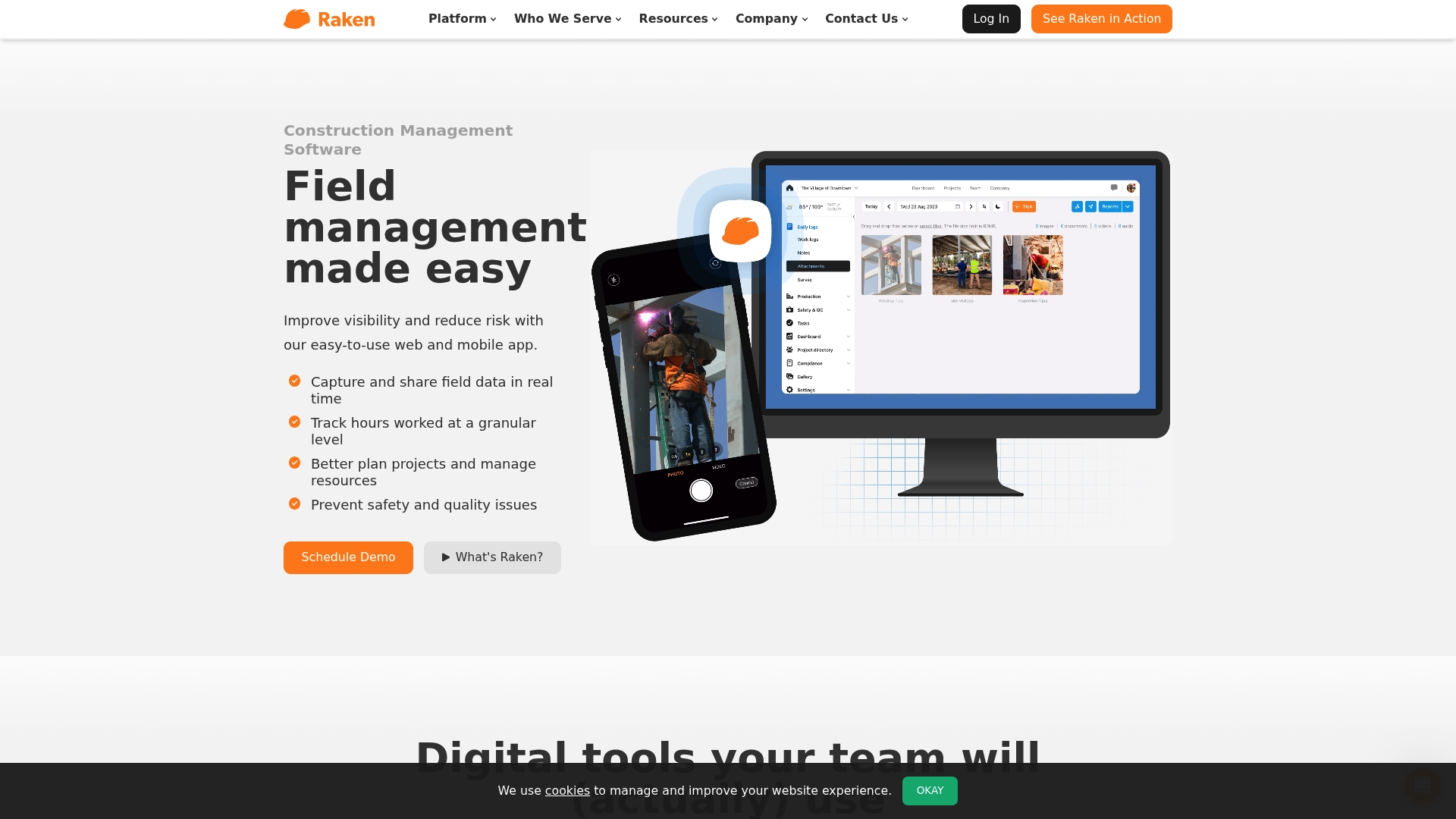
AI generated insights appear alongside photo and video documentation inside mobile daily reports. The mobile apps run on iOS and Android and prioritize field data capture with minimal training. Teams use the platform to produce automated summaries and share them with office staff in real time.
Core Features
Raken collects daily progress information with daily logs, photo and video evidence, notes, messaging, and segmented collaborator reports. The platform includes time and production tracking plus material and equipment entries, safety checklists, incident reporting, and RFIs stored in the cloud. Real time dashboards and automated summaries aim to turn field entries into reports without manual compilation.
Key Differentiator
Designed for construction crews, Raken centers on mobile first capture and rapid distribution of jobsite reports. That mobile focus ties field entries directly into automated summaries and dashboards for project oversight.
Pros
Adoption works well because the mobile and web interfaces stay straightforward and short to learn. Collaborator reports let subcontractors send tailored daily updates without full account access, which reduces back and forth. Automated reports and the AI generated insights feature cut the time crews spend compiling summaries and help foremen and superintendents make quicker calls.
Cons
-
Some third party reviews report occasional glitches with reports or app stability, which can interrupt daily workflows.
-
Integration setup can be complex for larger enterprise systems and may require IT involvement.
-
Field data quality depends on crew diligence and consistent input, so outcomes vary by site practice.
When It May Not Fit
Raken may not suit firms that need niche or highly customized construction integrations beyond the listed categories. Organizations that rely on strict, automated data capture from sensors or third party reality workflows may find the standard connectors insufficient. Companies with crews resistant to mobile reporting will not get reliable value until input practices change.
Notable Integrations
-
Accounting & Payroll: sync cost and labor data with back office systems.
-
Project Management Tools: exchange RFIs and document links with schedule and project platforms.
-
Cloud Storage: archive photos, videos, and documents to central repositories.
-
Reality Capture: accept data outputs from reality capture workflows for site verification.
Who It’s For
Construction firms and subcontractors who need a field friendly way to capture daily logs, safety checks, and time entries will find this useful. The product fits teams that value mobile reporting and automatic summaries over heavy desktop configuration. It works at small and larger scale when teams commit to consistent field input.
Real World Use Case
A general contractor runs crews on multiple sites and uses Raken to collect daily work logs, safety observations, and photos. The system generates and distributes daily summaries to the office and client stakeholders. That reduces paperwork at the trailer and shortens approval cycles for daily progress payments.
Pricing
Not specified on the site. Contact Raken for a quote and plan details.
Website: https://rakenapp.com
LumberFi
At a Glance
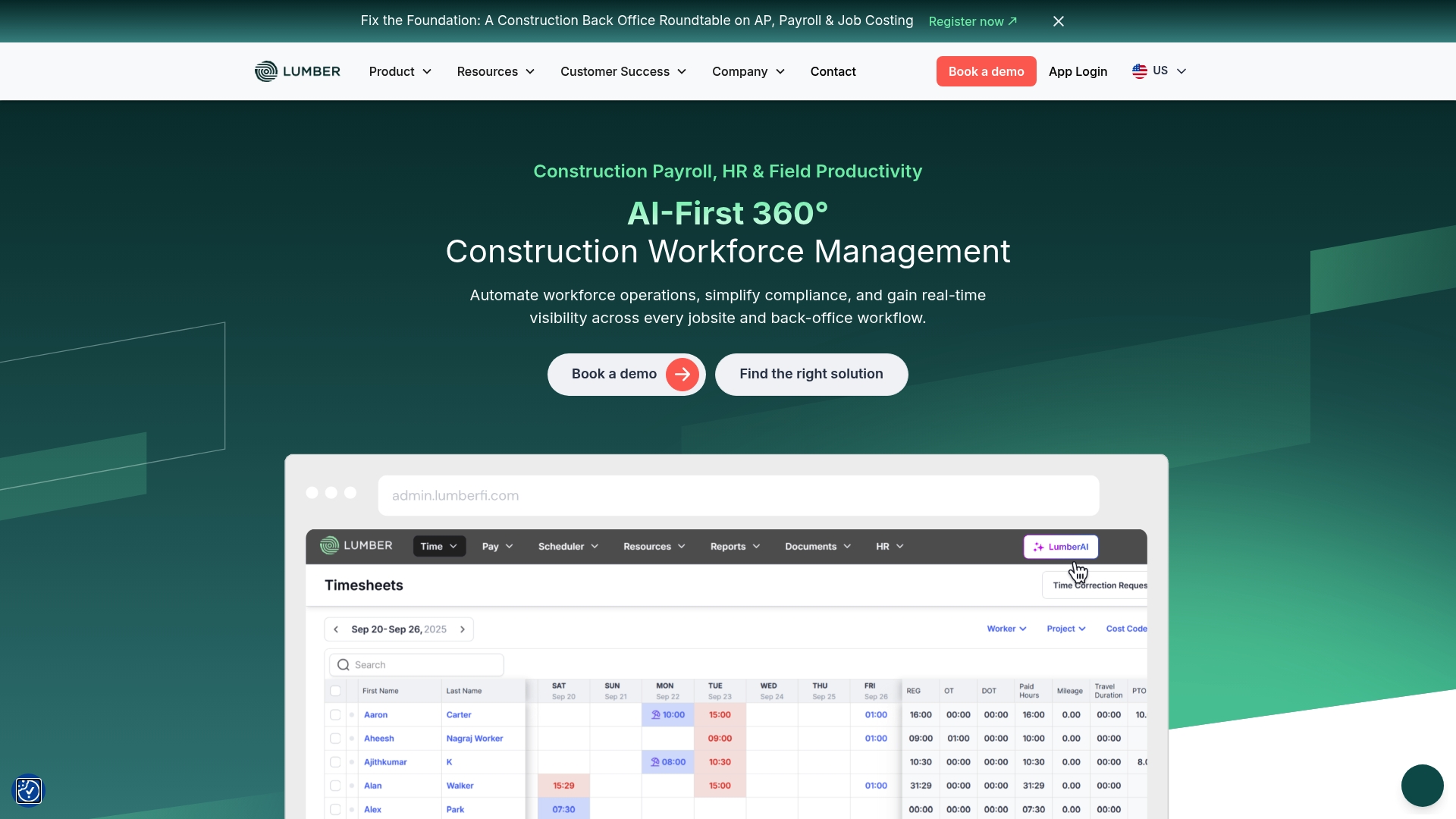
Specialized AI agents handle union reporting, prevailing wage calculations, and paper timecard digitization. These agents connect payroll and compliance workflows to cut manual filing and rework. The vendor advertises integrations with more than 20 construction and back office applications.
Core Features
LumberFi combines construction payroll management with certified payroll and prevailing wage support, payroll workflows, and job costing. The platform also manages HR tasks such as applicant tracking, onboarding, benefits, and credential tracking. Field tools include time tracking, scheduling, equipment tracking, and safety management tied into the payroll and HR modules.
Key Differentiator
The standout feature is AI-powered compliance tools that focus on union and wage rules. That capability links directly into payroll and reporting processes for faster filing. LumberFi also claims broad connectivity across 20+ applications common to construction finance and operations.
Pros
LumberFi bundles payroll, HR, and field productivity for construction firms so teams avoid stitching multiple point tools together. Its compliance focus helps contractors who must manage union rules and prevailing wage forms. Robust integrations with ERP and accounting systems reduce duplicate data entry, and the vendor highlights dedicated US-based customer support and training for onboarding and troubleshooting.
Cons
- The platform might be complex for very small contractors. Setup and configuration require administrative time and some technical know-how.
- Some buyers may find implementation and ongoing cost significant. Pricing details are not publicly listed.
- Public information lacks granular pricing tiers or customization options, which complicates budgeting for mixed-size fleets and subs.
When It May Not Fit
Very small contractors without existing digital infrastructure may face a steep implementation curve. Companies that need transparent, fixed public pricing will find limited detail and may prefer vendors with published tiers. Teams that only need a single capability such as simple time capture or basic payroll might overpay for unused modules.
Notable Integrations
- Acumatica
- Netsuite
- Sage-Intacct
- QuickBooks
- Vista
- Spectrum
- Knowify
- ServiceTitan
Who It’s For
Construction companies, general contractors, and project managers who run multiple job sites and handle certified payroll will find the platform relevant. Subcontractors who must comply with union or prevailing wage requirements benefit from the compliance tooling. Organizations planning system integrations with ERP or accounting software will get the most value.
Real World Use Case
A general contractor uses LumberFi to process payroll across several projects and generate certified payroll reports for multiple jurisdictions. That workflow reduces invoice disputes and administrative hours on compliance paperwork. Managers also get near real-time field productivity and labor cost visibility for active jobs.
Pricing
Pricing is not publicly disclosed and likely varies by feature set and company size. Vendors often price modules, integrations, and support separately, so expect a quote based on your payroll volume and required connections. Contact LumberFi sales for a tailored estimate and implementation timeline.
Website: https://lumberfi.com
RIVET
At a Glance
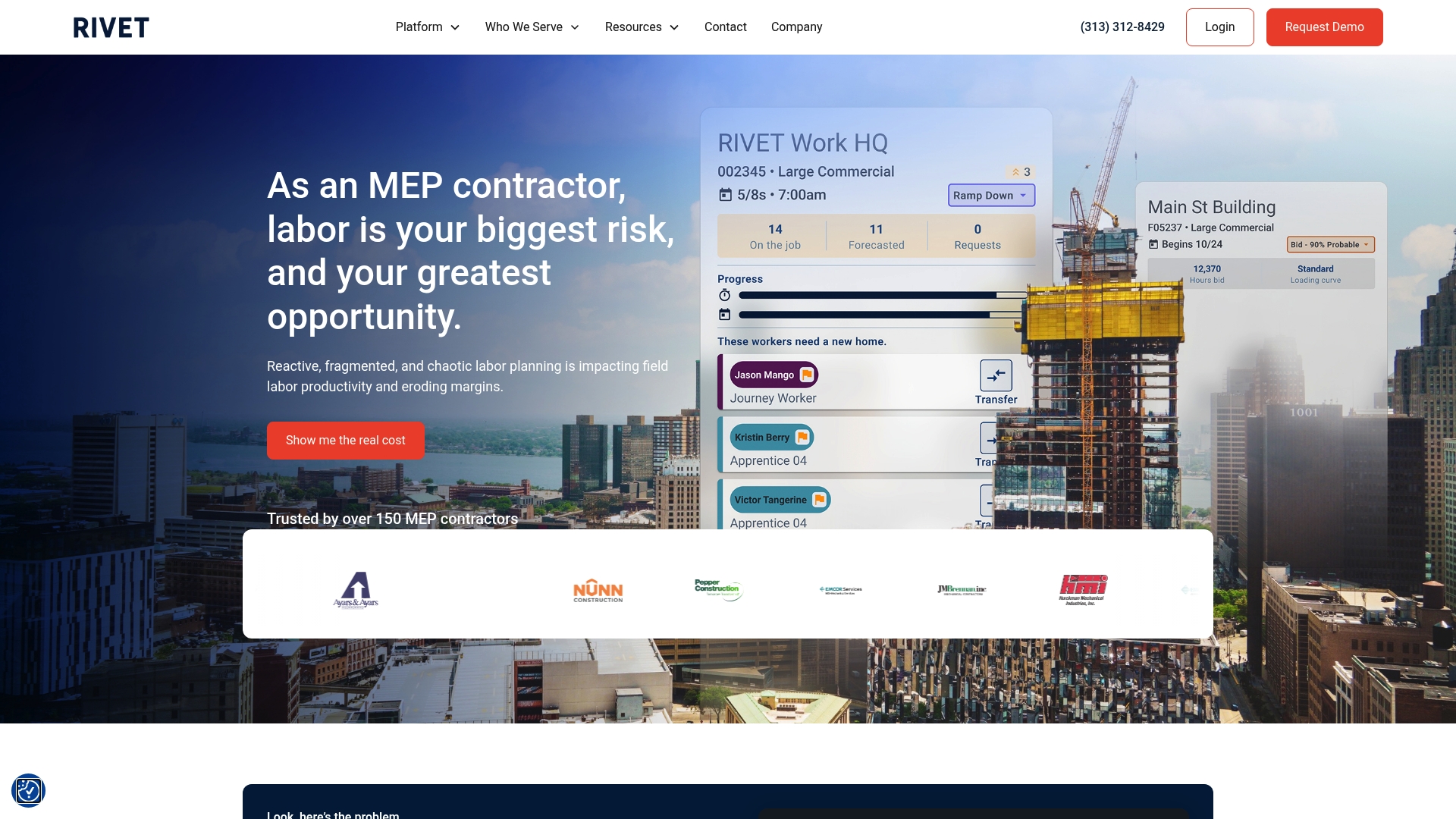
The vendor advertises visibility into labor needs months in advance. RIVET targets labor planning for electrical and mechanical contractors with tools for forecasting, scheduling, and field messaging. The platform claims deep connections to common construction ERPs to keep payroll and job data aligned. This focus aims to cut overtime and reduce overmanning on large projects.
Core Features
RIVET centers on workforce forecasting, which projects future labor demand and helps plan crew capacity. It combines schedule & dispatch management with real-time communication so office planners and field crews share the same assignments and updates. The platform also surfaces productivity analytics and plugs into payroll and HR systems for fewer manual transfers.
Key Differentiator
RIVET narrows its scope to labor operations for electrical and mechanical trades. That narrower focus lets the vendor tailor forecasting, crew transfer rules, and labor reporting to trade specific workflows. Contractors who need a labor first solution will find its data model and integrations more trade aligned than general project management suites.
Pros
RIVET is purpose built for trade contractors, so field roles and crew rotations match typical electrical and mechanical staffing patterns. Its ERP links reduce duplicate data entry for teams already using Spectrum, Vista, or Sage. Real-time visibility into assignments helps reduce schedule compression and excessive overtime. The platform also supports longer range planning that helps bid teams assess capacity for upcoming work.
Cons
-
The platform focuses on labor management and will not cover broader project scheduling or contract change workflows in depth.
-
Its trade specialization means firms outside electrical and mechanical sectors may find limited fit.
-
Implementation requires process mapping and data integration, which can demand time and internal resources.
When It May Not Fit
RIVET suits teams with structured labor operations and a dedicated planner or operations manager. Small contractors with fewer than 50 field employees will likely find limited value. Organizations that need a single system for full project controls and finance may prefer a general project management platform instead. Firms without capacity for vendor integration work will face slower onboarding.
Notable Integrations
RIVET integrates with common construction ERP systems such as Spectrum, Vista, Foundation, Sage, COINs, CMIC, and Jonas. These links let the platform import job and employee records and export planned hours to payroll. That connection reduces manual reconciliations between the field and back office.
Who It’s For
Mid to large sized electrical and mechanical contractors that manage multiple crews across projects will benefit most. Operations teams that plan labor months ahead and need tighter coordination between office and field will get the most value. The product fits companies that already use one of the supported construction ERPs.
Real World Use Case
A mechanical contractor uses RIVET to forecast labor for a sequence of retrofit projects. Planners allocate crews by skill and week, then push schedules and transfers to crew leads via the platform. The team reports fewer last minute overtime calls and cleaner payroll reconciliation after linking RIVET to their ERP.
Pricing
Pricing is not specified publicly. Prospective buyers will need to contact the vendor for licensing and implementation cost details. Expect pricing to vary by company size and integration scope.
Website: https://rivet.work
CrewTracks
At a Glance
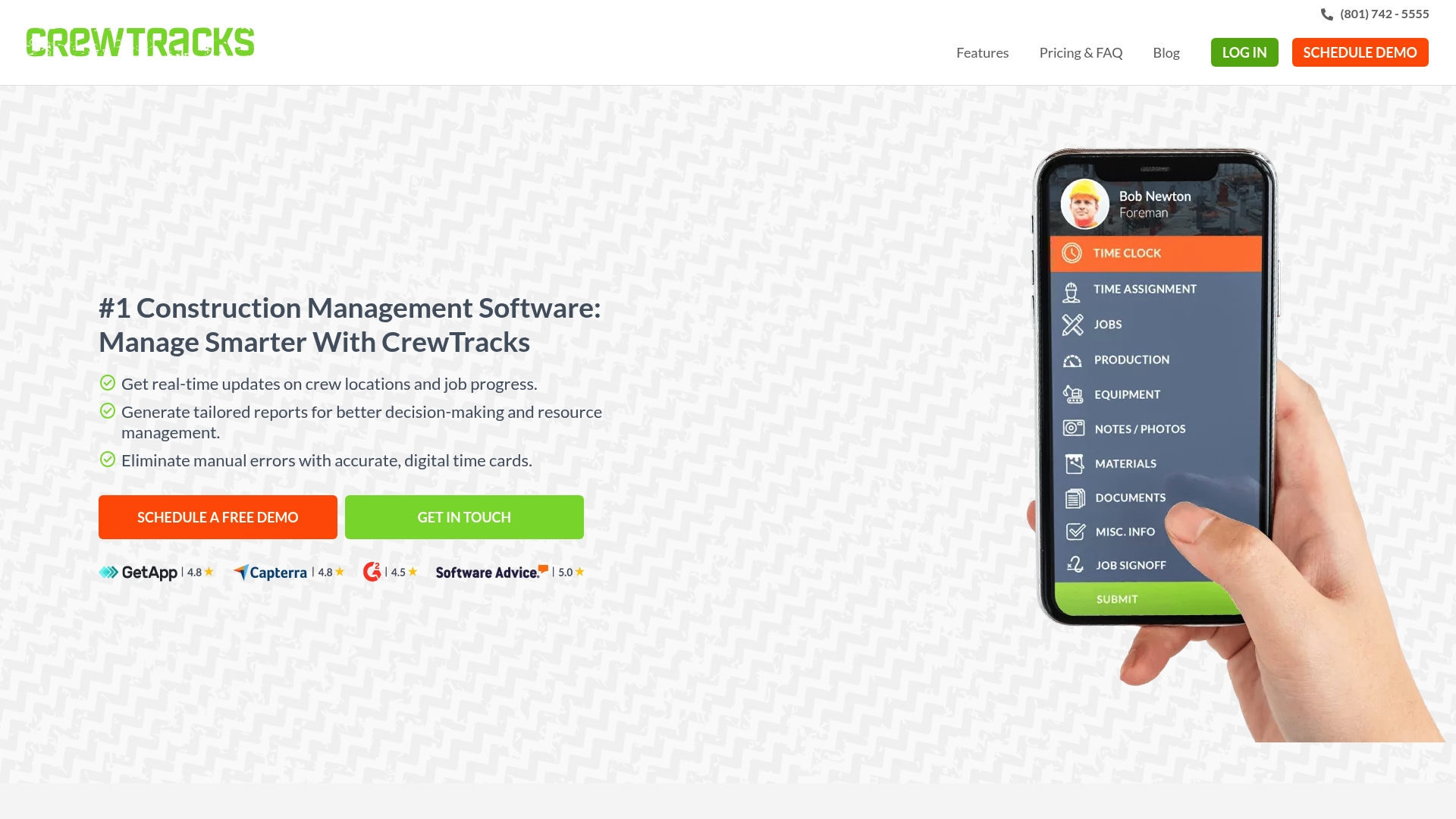
Mobile app available in Spanish for field crews, with offline data syncing and GPS crew tracking for remote sites. The platform focuses on digital time cards, production and budget reporting, and job site document collaboration. That mix makes it practical for foremen who need fast, on-site updates and fewer paper forms.
Core Features
CrewTracks delivers real-time crew and job tracking, GPS location for crews and equipment, and offline syncing so crews can record work without cell service. It includes production and budget reporting together with notes and photos tied to job milestones for clearer handoffs. The system also handles employee time tracking, job cost allocation, material usage, inventory, and daily field reports.
Key Differentiator
The product centers on intuitive, real-time tracking and reporting built to match the rhythm of construction crews and project managers. That focus shows up in mobile-first workflows and a Spanish language app aimed at field teams. For small to mid sized sites that need quick answers from the field, this emphasis shortens the feedback loop.
Pros
CrewTracks earns points for a user-friendly interface that crew members pick up quickly and for delivering real-time updates that reduce guesswork on progress and hours. Integrations with common accounting tools help avoid duplicate data entry, and reviewers report responsive customer support. The Spanish app version lowers the training barrier for bilingual crews.
Cons
-
Limited customization for complex reporting needs, which can frustrate advanced estimators.
-
Some buyers report reporting limitations when they try to produce multi layered financial analysis.
-
Reviews emphasize ease of use over deep configurability for enterprise workflows.
When It May Not Fit
If your team relies on highly customized reports or deep analytics across many projects, this platform may feel constrained. Large general contractors that need extensive report builders and data modeling will likely find the reporting features short of their needs. Also, firms that demand a prebuilt library of advanced dashboards might need a different tool.
Who It’s For
Small to medium sized construction firms and subcontractors that want straightforward job and crew management will get the most value. Project managers who need clear time cards, simple job cost allocation, and timely field notes will appreciate the mobile features. Foremen with bilingual crews will find the Spanish app practical for day to day use.
Real World Use Case
A regional contractor uses CrewTracks to capture daily labor and equipment hours on multiple sites and to attach photos and notes to specific milestones. The team syncs records when they return to coverage to produce daily field reports for project managers. That workflow cuts down on paperwork and speeds invoicing cycles for subcontracted trades.
Pricing
Pricing is not publicly listed. The vendor describes pricing as informational only and expects buyers to request a custom quote. Contact CrewTracks for plan details and a tailored estimate.
Website: https://crewtracks.com
Comparison of alternatives
DeBe Corporation’s offerings stand out due to their deep trade-specific customization and offline-first design. However, the landscape of construction management platforms is diverse and offers multiple tailored solutions addressing various priorities, such as scalability, mobile-first adoption, and labor compliance.
Integration and enterprise scale
Procore excels in its integration capabilities, connecting over 500 systems that benefit organizations managing multi-phased ventures. Unlike DeBe Corporation, which focuses on functionality tailored to craftspeople, Procore provides an extensive platform suitable for large-scale project management.
Mobile adoption and automated summaries
Raken specializes in ease of field adoption with mobile-first reporting, delivering automated daily summaries and real-time dashboards. This focus allows users to capture substantial field information quickly, contrasting with DeBe Corporation’s trade-focused customization.
Best fit
- Teams requiring customizable tools that mirror genuine trade practices and need offline capabilities will benefit significantly from DeBe Corporation’s CHERP and SiteComm platforms.
- Firms managing large-scale projects with high integration needs should consider Procore for its wide compatibility and limitless user/datum plans.
- Organizations that prioritize automated summaries, mobile-friendly interfaces, and daily dashboards should explore Raken for streamlined data entry and improved oversight.
Our pick
DeBe Corporation represents the ideal choice for contractors valuing tailored trade-specific functionality and reliable offline usability, especially for settings with intermittent connectivity and a need for field-specific workflows. For those aiming to increase high-scale project integrations, Procore may be. Evaluate organizational needs closely to determine the platform delivering the maximum benefit for current and future objectives.
Discovering the right construction field software requires evaluating options suited to specific operational needs and workflows.
| Product Name | Key Feature | Ideal For | Pricing | Notable Limitation |
|---|---|---|---|---|
| Debecorp | Trade-specific tools and calculators | Trade contractors with connectivity issues | Price not published | Some features still in development |
| Procore | Integration with over 500 tools | Large projects needing resource automation | Volume-based pricing | Advanced features can carry a learning curve |
| Raken | Mobile-first reporting suite | Teams valuing automated report summaries | Price not published | Reports depend on consistent crew data input |
| LumberFi | AI compliance for payroll management | Firms needing union and wage reporting | Price not published | Setup may challenge smaller contractors |
| RIVET | Workforce forecasting for trades | Electrical and mechanical contractors | Price not published | Focus limited to labor management workflows |
| CrewTracks | Spanish-enabled mobile GPS tracking | SMBs preferring simple field tracking tools | Price not published | Limited customization for large-scale reporting |
How to Find a Reliable Alternative for Mindforgeapp.com
Many trade contractors, foremen, and safety professionals look for digital tools that match real field practice and solve connectivity challenges. Mindforgeapp.com alternatives vary, but Debecorp stands out by putting tradespeople first. Its platforms, CHERP and SiteComm, support offline recordkeeping, safety reporting, and peer recognition all built around trade specific workflows. Crews gain clearer ownership of daily logs and safety records, which reduces disputes and makes communication straightforward.
If you manage teams with limited cell coverage and want tools designed by tradesmen for tradesmen, explore what Debecorp offers at Debecorp’s website. See how their approach to time and attendance, jobsite communication, and safety management can bring clarity and control to your construction records. Visit Debecorp and start your evaluation with CHERP and SiteComm today.
FAQ
What unique features does Debecorp offer for construction field operations?
Debecorp provides trade-specific customization and ownership tracing to enhance accountability on construction sites. The platform records ownership per artifact, which helps clarify who created what on record, making it ideal for trade contractors and safety professionals. This ensures clearer handoffs and accountability in everyday tasks.
How does Debecorp compare to Procore in terms of user capacity and pricing flexibility?
Procore offers unlimited users and data under volume-based plans, which can suit larger organizations managing multiple concurrent projects. In contrast, Debecorp’s pricing structure may be more straightforward and suitable for teams with specific trade operations. Choose Debecorp if your focus is on trade-specific workflows and operational forms.
What integration capabilities does Debecorp have compared to Raken?
Debecorp supports various integrations for construction and back office applications, enhancing its utility for trade contractors. Raken is designed primarily for mobile daily reports and may not have the same breadth of integrations available, making Debecorp a stronger choice for teams needing extensive connectivity with other systems.
What benefits does Debecorp offer for teams with intermittent connectivity?
Debecorp functions offline first, allowing crews to record work without reliable cell coverage. This feature is crucial for teams that often work in remote locations where connectivity is unreliable, ensuring productivity and data integrity even in challenging conditions.
How does Debecorp handle safety reporting compared to other platforms?
Debecorp includes safety reporting features, which allow for peer recognition and job site communication among crews. This focus on a worker-owned community for recognition sets Debecorp apart from platforms that may not prioritize this kind of community engagement in safety practices.